VR in 2026: What Lighter Devices and New Interaction Methods Mean for Businesses
Virtual reality is changing shape. At Meta Connect in September 2026, Meta announced Meta VR Glasses, a device presented as a lighter form of VR hardware with eyes and hands as primary inputs. The company says the glasses are due to go on sale in spring 2027. They are an announced product, so their eventual availability, performance and suitability for particular projects still need to be assessed when they reach users.
The announcement is one sign of a broader question for organisations considering VR: how will changes in hardware affect the experiences they commission today? The answer is not simply that every current headset will be replaced. Different devices, input methods and viewing environments create different design requirements. The practical challenge is to build experiences around people and tasks while allowing for a changing technology landscape.
For property businesses, hospitality operators and venues, that could affect how visitors explore spaces, attend presentations or interact with a team. For event organisers, it could influence demonstrations and visitor flow. In each case, the value depends on the complete experience rather than the weight or appearance of a device alone.
A notable announcement, with an important timing distinction
In its September 2026 announcement, Meta described Meta VR Glasses as a roughly 100-gram glasses-style device. The company presented entertainment, work and communication as potential uses and announced a planned US price. Its stated launch window is spring 2027, using the company's seasonal description. The announcement does not establish South African availability or local pricing.
Meta's developer guidance says the glasses use the same operating system and developer software platform as Meta Quest, with eyes and hands as primary inputs. It also says Touch Plus controllers are supported. Sharing a software platform can help developers plan, but it does not guarantee that an existing application will be comfortable or suitable without testing and adaptation.
This distinction matters to buyers. Product announcements describe a manufacturer's intended capabilities. They are useful for understanding the direction of development, but a business should not build a launch plan around unverified assumptions about stock, local support or compatibility. For a project needed now, choose and test hardware available to the intended audience; treat future devices as a separate consideration.
The glasses also use a different physical arrangement from a conventional all-in-one headset. Meta's device comparison describes an open-periphery glasses form factor with a compute puck, compared with the Quest line's all-in-one headset. This is a useful reminder that the stated weight of one component is not the whole story when assessing what a participant wears or carries.
Why form factor matters to an experience
The physical design of a device can influence how people approach an activity. Weight distribution, fit, ventilation, glasses compatibility and how easily a user can see their surroundings can all affect comfort. The right choice also depends on how long the experience lasts and whether the participant is seated, standing or moving.
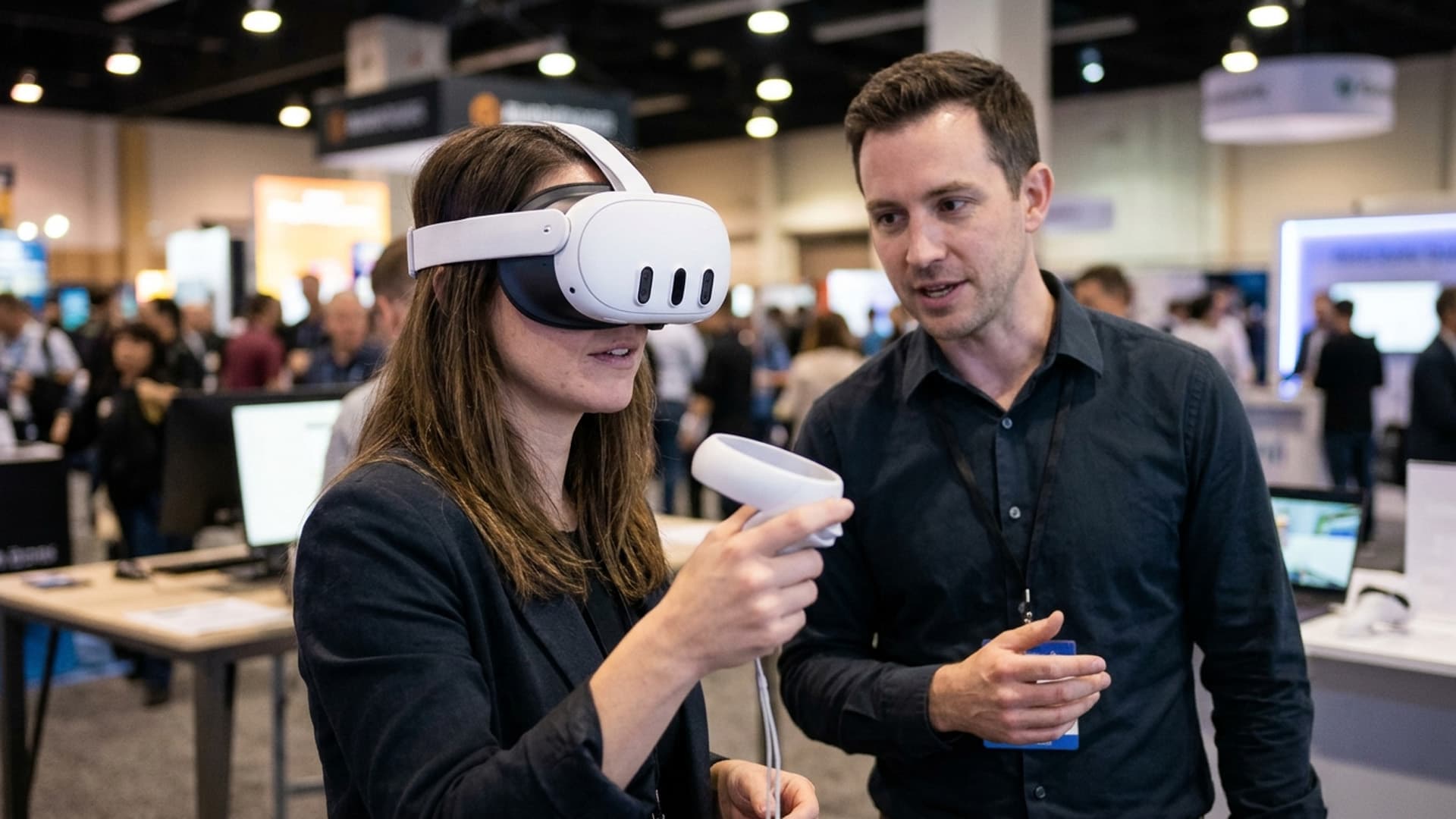
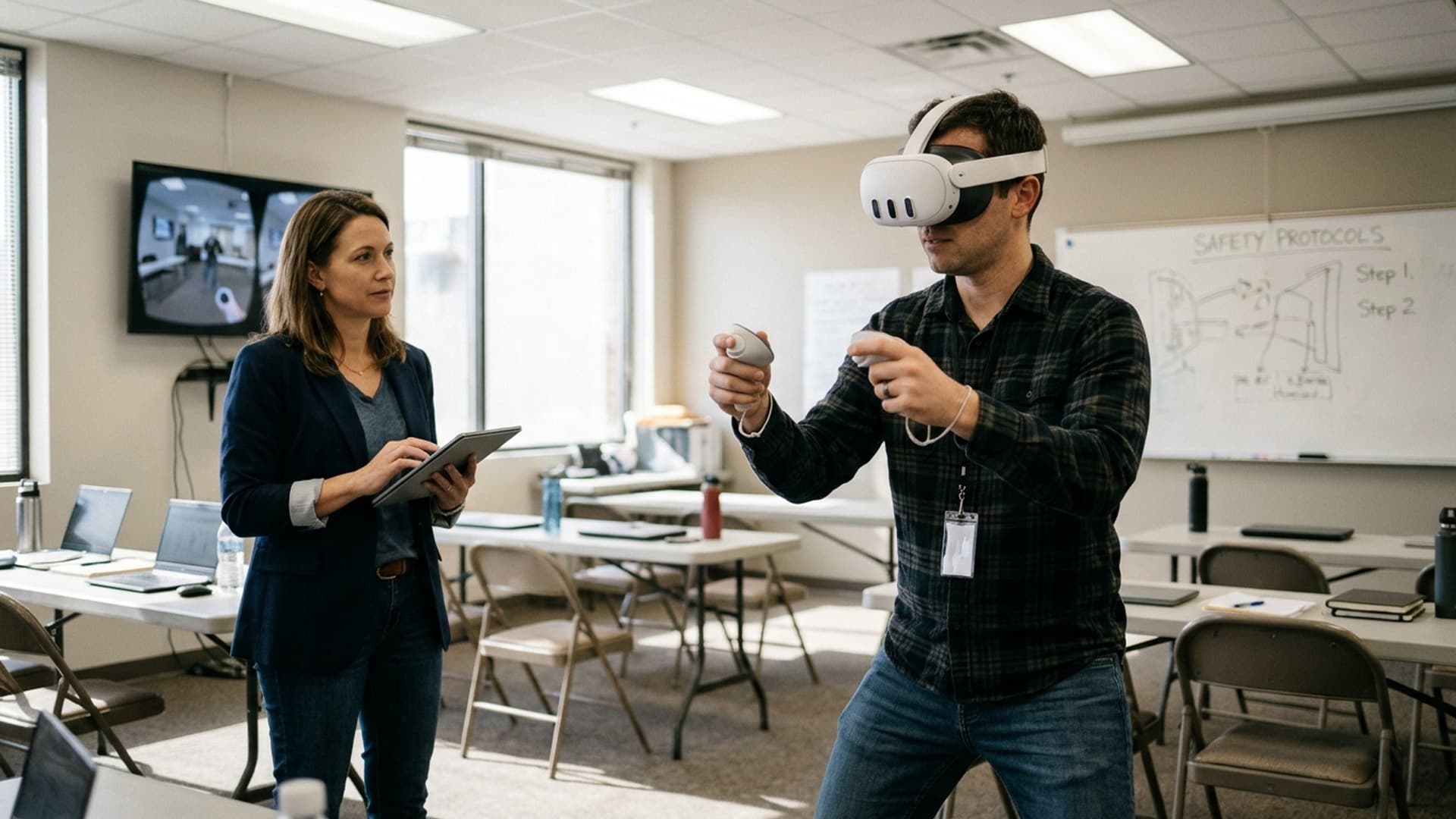
For a short exhibition demonstration, a team may care about how quickly equipment can be adjusted, cleaned and handed to the next visitor. A hospitality presentation may involve longer conversations, making audio clarity, comfort and the ability to refer to other information important. A training exercise may require specific controllers or an environment designed around particular physical actions.
A lighter device is not automatically the best device for every purpose. Field of view, visual quality, battery arrangements, tracking, input options, software support and total cost all matter. People also differ in their preferences and physical needs. The safest way to select equipment is to test representative tasks with representative users.
When comparing proposals, ask what is included in the device specification and what additional components are required. Check how it fits into the real setting: the space available, staff supervision, charging arrangements and the number of people who need access at the same time. These operational details often determine whether an otherwise attractive demonstration runs smoothly.
Eyes, hands and controllers
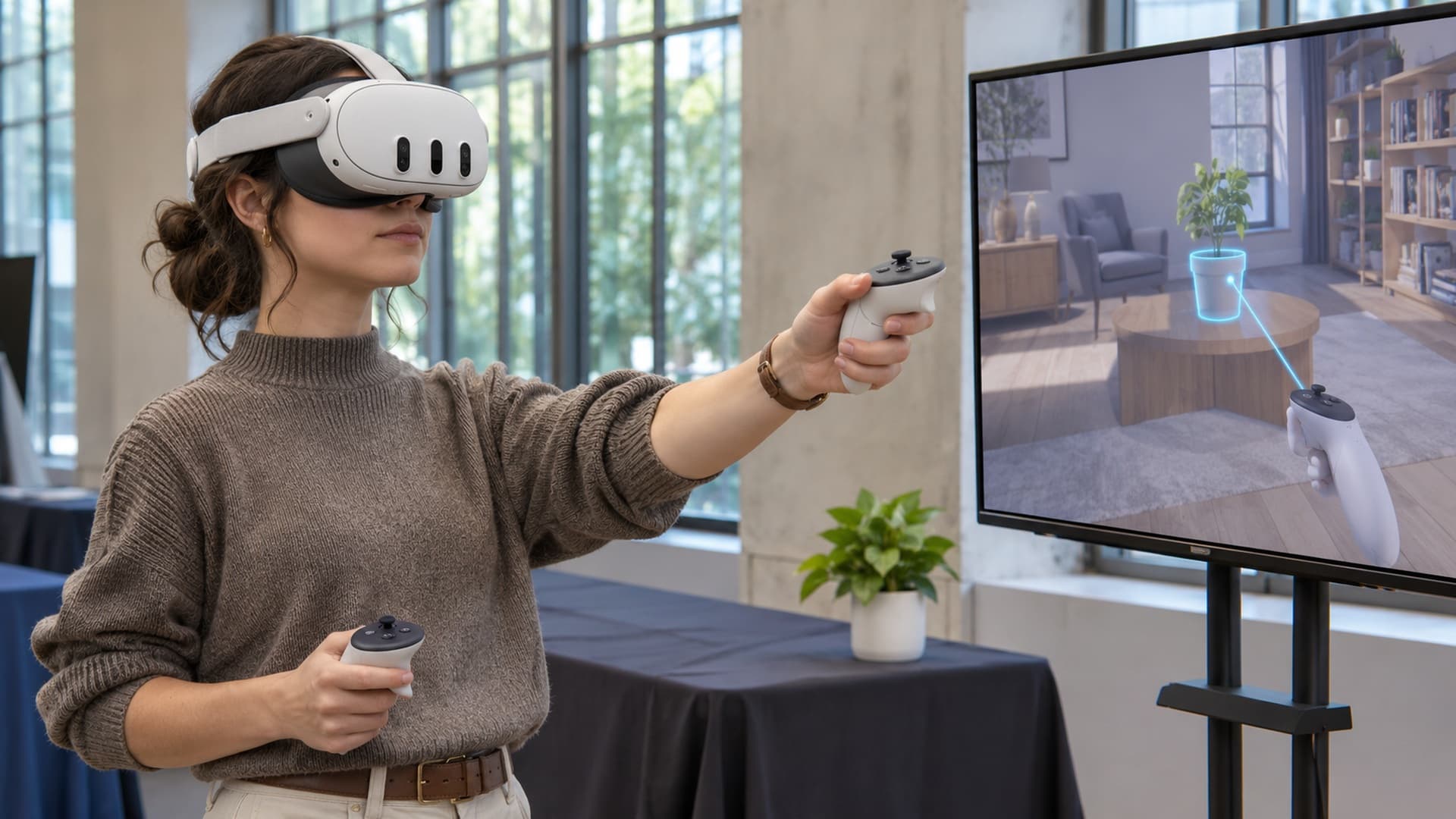
VR interaction has long involved a range of inputs, including tracked controllers and hand gestures. The new Meta announcement puts particular emphasis on eyes and hands. For designers, that raises practical questions about how people select, move and manipulate digital content.
A controller offers physical buttons and tactile feedback. It can be useful when an action needs a clear press or when a user benefits from resting their hands. Hand tracking can reduce the need to explain a physical controller, but its effectiveness depends on the device, lighting, the visibility of the hands and the design of the interaction. Eye-based selection may reduce the effort of pointing, but it must be designed carefully to avoid unintended selections and fatigue.
None of these methods is universally easier for everyone. Some people cannot comfortably hold a controller or maintain a gesture. Others may prefer a physical button to a hand movement. A well-planned experience considers alternatives, offers clear feedback and avoids making a critical task depend on a single demanding gesture where a suitable alternative is possible.
Imagine a visitor exploring a digital conference venue. The immediate task may be selecting a room, reading its capacity and asking a question. The interface should make the selectable area obvious, confirm the selection and provide a way back. The underlying input method matters, but the visitor should not need to understand the technology to complete the task.
Mixed reality changes the context
Many current devices can show a camera view of the physical surroundings while displaying digital content. This is commonly described as passthrough mixed reality. It can allow a participant to see a desk or other people while interacting with virtual elements, subject to the device and application's capabilities.
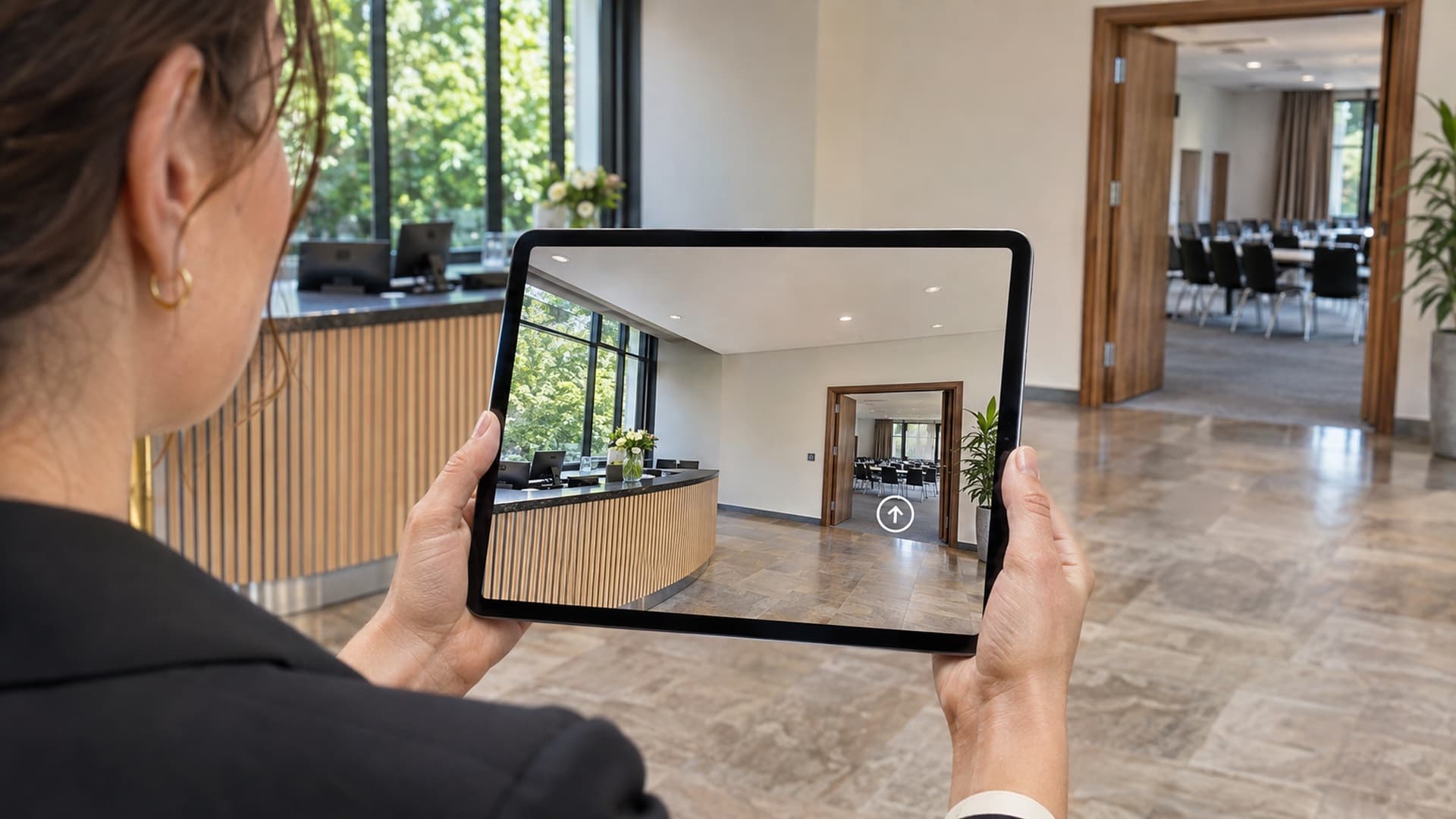
That creates opportunities for demonstrations in which a digital model appears alongside the physical environment. An event planner could examine a proposed layout on a table, for example, or a hospitality team could discuss a three-dimensional representation of a room. These are potential applications; their usefulness depends on the accuracy, visibility and interaction supported by the actual system.
It also creates a need for careful boundaries. A camera view is not identical to natural sight, and users should follow the device maker's safety guidance. Teams should assess trip hazards, physical movement, supervision and whether a participant needs help. The digital design should not encourage people to walk into obstacles or assume they can see everything around them.
For some experiences, a fully virtual environment remains the better choice. A simulated destination or carefully controlled training scene may rely on replacing the surrounding view. For others, keeping the real room visible can help a group communicate. The decision should follow the purpose of the experience, not a preference for whichever label is newest.
What the market figures do and do not say
The device market is not moving in a single straight line. In its Q2 2026 market update, IDC reported that worldwide AR/VR headset shipments increased year on year in its tracked market while quarterly shipments declined. Its analysis also described different trends across device categories and regions.
Shipment data is useful for understanding a market, but it is not the same as the number of active users or evidence that a particular business application will succeed. Categories can include products with different capabilities, and a global figure does not establish demand in a specific South African city or industry. Buyers should avoid using a headline number as a substitute for understanding their own audience.
A more useful starting point is often local and specific. Will visitors already have access to a compatible device? Will equipment be provided at an event? Can participants use a desktop version instead? Who will help a first-time user? These answers are more directly connected to the design and budget than a general forecast about the whole industry.
The same caution applies to claims about adoption. A business might find that a small, well-supported VR demonstration helps a particular sales conversation even if most customers do not own headsets. Conversely, a technically advanced application may struggle if its intended users cannot access the necessary equipment.
Designing applications that can adapt
Businesses can reduce unnecessary dependence on a single device by documenting the tasks an application must support and testing the technologies used to build it. This does not mean that every experience will run everywhere. Platforms have different capabilities, performance limits and distribution rules.
Open standards can be part of the discussion. The W3C WebXR Device API defines interfaces for immersive experiences on the web, while OpenXR is a Khronos standard intended to provide application access to compatible XR platforms and devices. Neither standard removes the need for device-specific testing, and support varies by browser, runtime and hardware.
Ask a development partner which devices and software versions are included in the initial scope, what testing will be performed and how future devices would be assessed. Clarify whether source files, assets and documentation will be supplied, and what ongoing maintenance covers. A written compatibility plan is more useful than a broad promise that an experience is future-proof.
Design choices also influence adaptability. Clear separation between content, interactions and device-specific controls can make changes easier, depending on the implementation. So can providing alternative ways to complete a task. If a guided tour depends on a particular controller button, the team should understand what happens on devices with different inputs.
Accessibility and participation remain central
New input methods may make some experiences easier to use, while introducing new barriers for others. Eye tracking may not work equally well for every user or in every circumstance. Hand gestures may be difficult to sustain. A person who experiences discomfort in VR may need another way to participate entirely.
Plan accessibility from the beginning. Depending on the application, options may include seated use, adjustable text, captions, alternative controls and a desktop or conventional web version of important information. Test with people whose needs reflect the intended audience, and record which tasks remain difficult.
For a property or venue presentation, an accessible alternative should convey the information needed to make a decision. It might include photographs, descriptions, room dimensions and contact details. A virtual experience can add context, but it should not be the only way to learn essential facts or request assistance.
Privacy is also part of participation. Eye, hand and movement data can be sensitive in context. The Information Commissioner's Office discusses privacy risks associated with immersive technologies. Businesses should understand what their selected devices and applications collect, why it is needed, who receives it and how long it is retained, with advice relevant to their jurisdiction.
Questions to ask before investing
The most valuable response to a new hardware announcement is a better brief. Define the audience and the action you want them to take. Identify where the experience will be used, how long a session should last and whether a host will be present. Decide what information is essential and what can be offered through another channel.
Then ask about supported devices, interaction methods, testing, accessibility, content updates and ongoing support. For an event, include equipment logistics and a backup plan. For a long-lived application, discuss how software and hardware changes will be handled and how costs will be reviewed.
A pilot can help answer questions that a specification cannot. Observe whether participants understand the controls, whether staff can assist them and whether the experience leads to the intended conversation or action. Use the findings to refine the project before expanding it.
VR hardware will continue to evolve, and the 2026 announcements give businesses useful developments to watch. The strongest decisions will still begin with a clear purpose and a realistic view of the people who need to use the experience. Learn more about MetaXR's virtual reality services.