360° Production Technology: What Has Changed and What Businesses Should Ask For
A 360° photograph or video gives the viewer the ability to look around from a camera position. That simple interaction changes how a space or event can be presented: instead of choosing only one direction for the audience, the production team records a surrounding view and plans for people to explore it.
The technology behind that experience has continued to develop, from compact multi-lens cameras and stitching tools to new ways of signalling immersive video for playback. Yet better hardware alone does not guarantee a useful result. Capture, editing, sound, playback and distribution all affect what the audience finally sees.
For property owners, hospitality businesses and venues, the most important question is how these developments serve a communication goal. A visitor considering a venue needs to understand the space. A prospective guest may want a sense of the setting before booking. An event audience may want to look around an atmosphere they could not experience in person. Each use calls for a different production plan.
Understanding what 360° capture records
A conventional camera frames a limited view. A 360° camera typically uses multiple lenses to capture overlapping views that software combines into a surrounding image. The viewer can then rotate the view on a phone, computer or supported headset. Depending on the production and player, that view may be a still image or moving video.
A 360° video is not necessarily a freely navigable three-dimensional environment. In a standard recorded video, the viewer can look around but generally follows the position and movement captured by the camera. A virtual tour made from multiple panoramic viewpoints can let visitors move between selected locations, but it does not automatically permit movement to every point in the space.
Some productions also use stereoscopic capture, which provides different views to the eyes on compatible equipment and can create a sense of depth. Monoscopic capture uses one surrounding image for both eyes. The choice affects camera setup, post-production and playback, so it should be made for the intended audience rather than added as a vague promise of greater immersion.
Explaining these differences in the brief prevents misunderstandings. If a venue expects visitors to move between a lobby, a ballroom and a garden, identify those positions and the intended navigation. If it wants a recorded performance, agree on the fixed or moving camera position and what viewers will be able to control.
More accessible cameras, but no substitute for planning
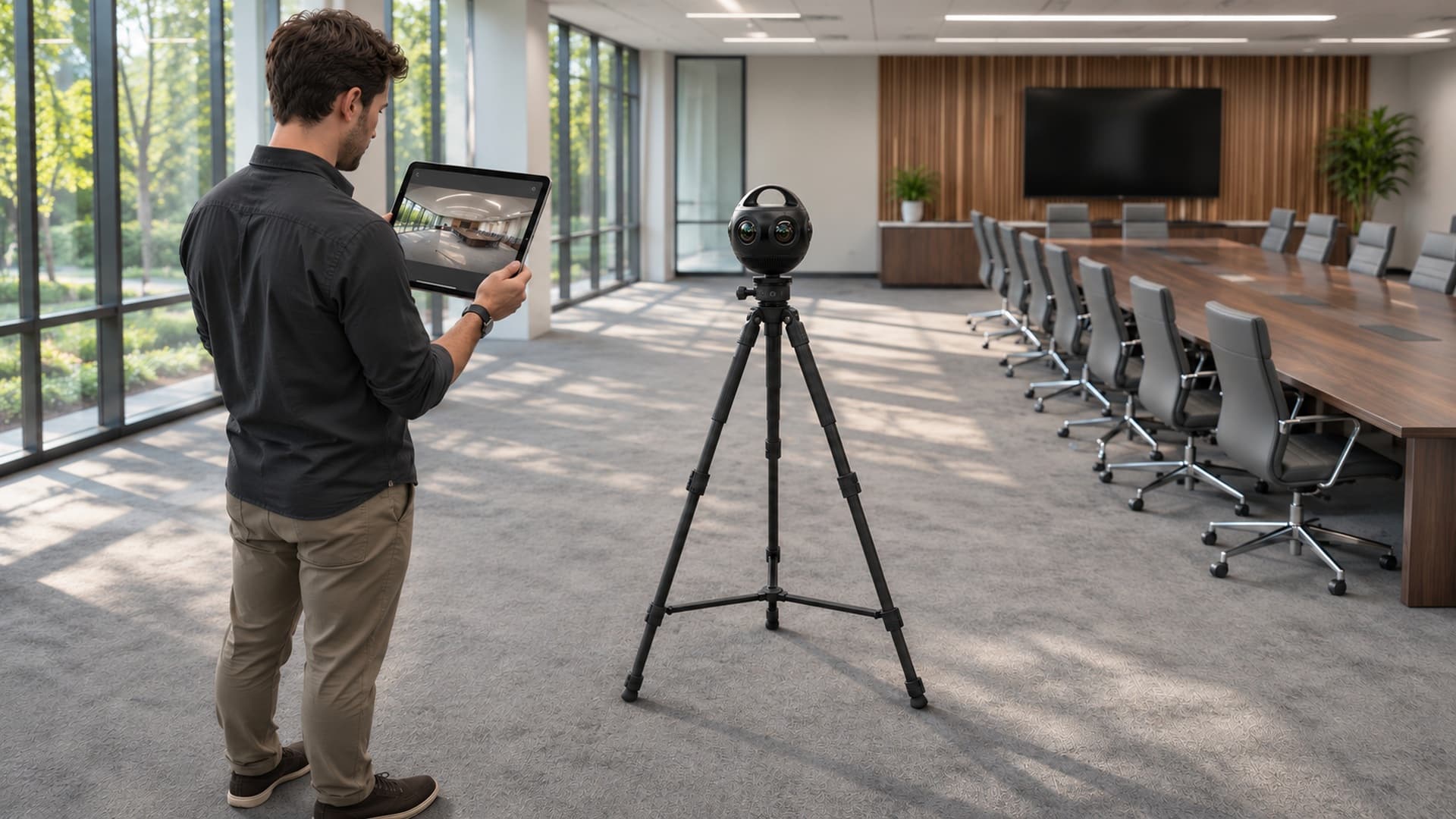
A range of cameras now supports 360° capture, from small devices with integrated lenses to larger professional systems. The appropriate equipment depends on the level of detail needed, lighting, sound, physical access and the intended delivery. A compact camera may be convenient for a small team; a more complex rig may be justified when a production requires additional control or a specialised output.
Resolution needs careful interpretation. In a flat video, the frame represents the entire image shown to the viewer. In a 360° video, the available pixels are spread across the surrounding view, while the viewer sees only part of that sphere at any moment. A high headline resolution therefore does not mean that the visible portion has the same detail as a conventional flat video with the same pixel dimensions.
The International Telecommunication Union's recommendation for immersive audiovisual systems discusses the substantial spatial resolution needed for high-quality immersive imagery. It is a technical reference for production and exchange, not a guarantee that a particular camera or platform will deliver a particular result.
Camera placement remains central. Positioning a camera too close to a subject can create awkward stitching or an uncomfortable sense of scale. Placing it where people naturally want to stand may communicate a room better than positioning it in a visually convenient corner. For a venue, the team should consider entrances, important sightlines, lighting changes and how a viewer will understand the relationship between spaces.
Stitching and the hidden production work
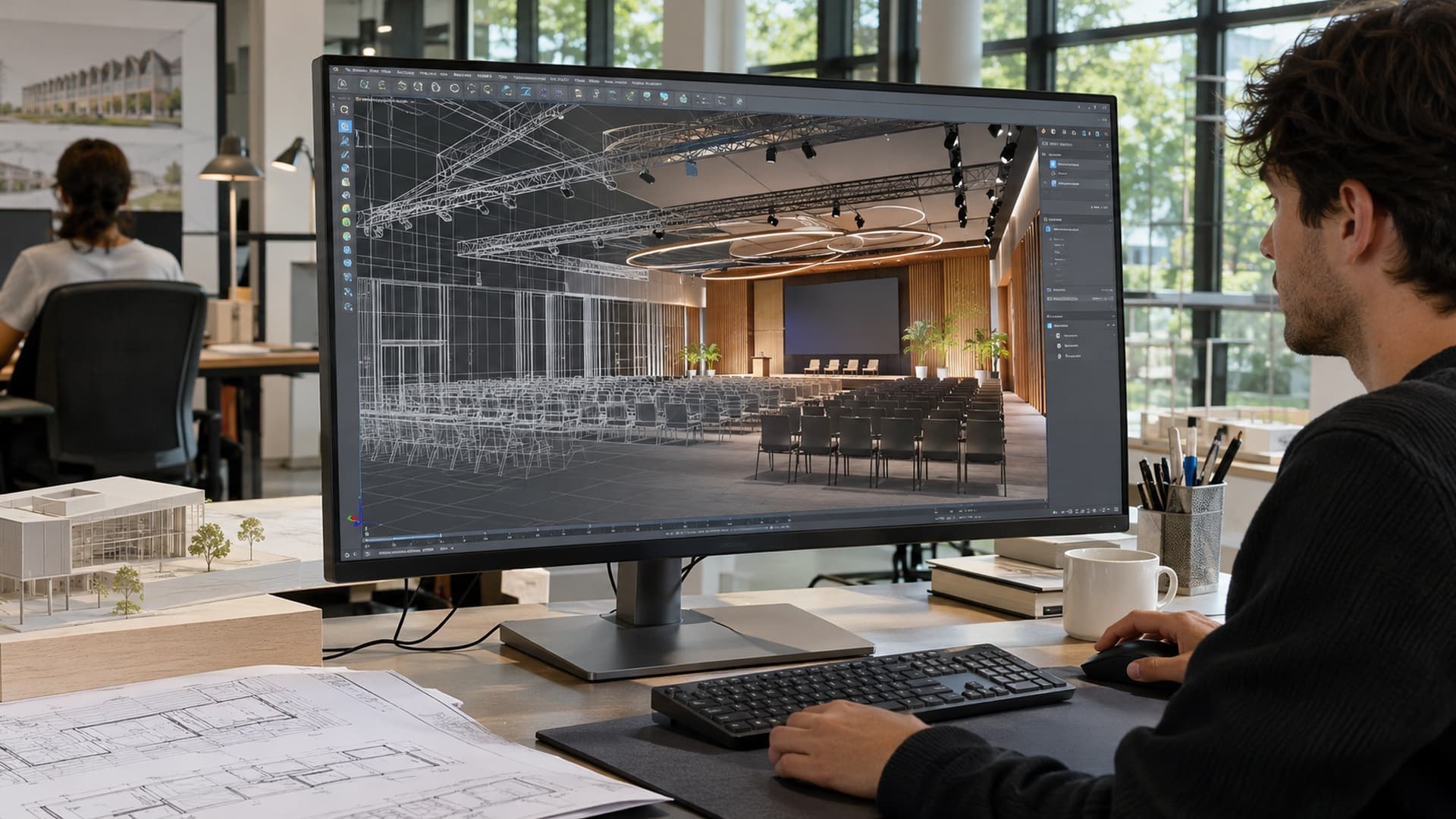
The views from multiple lenses need to be combined. This process, known as stitching, aligns overlapping images to create a surrounding panorama. Good software can simplify the task, but difficult lighting, moving people, reflective surfaces and objects close to the camera can expose seams or distortions.
A mirrored hotel lobby illustrates the challenge. The camera and crew may appear in reflections, while bright windows and darker interior areas create a wide range of light. People moving through an overlap between lenses may look distorted. A production team can plan camera positions, timing and lighting to reduce these issues, but it should not promise that every problem can be removed automatically.
Post-production may include stitching, colour matching, stabilisation, sound editing and removal or masking of unwanted equipment where appropriate. For stereoscopic work, the relationship between the left and right views requires additional attention. The Apple developer guidance on projected media discusses camera software for operations such as stitching, stabilisation and stereo correction in relevant workflows.
Ask what review stages are included. A first review might focus on the chosen viewpoints and content. A later review might check seams, colour, sound and playback on the target devices. Agree on how many rounds of revisions are included and what counts as a change to the original scope, especially if a space needs to be captured again.
Projection and playback compatibility
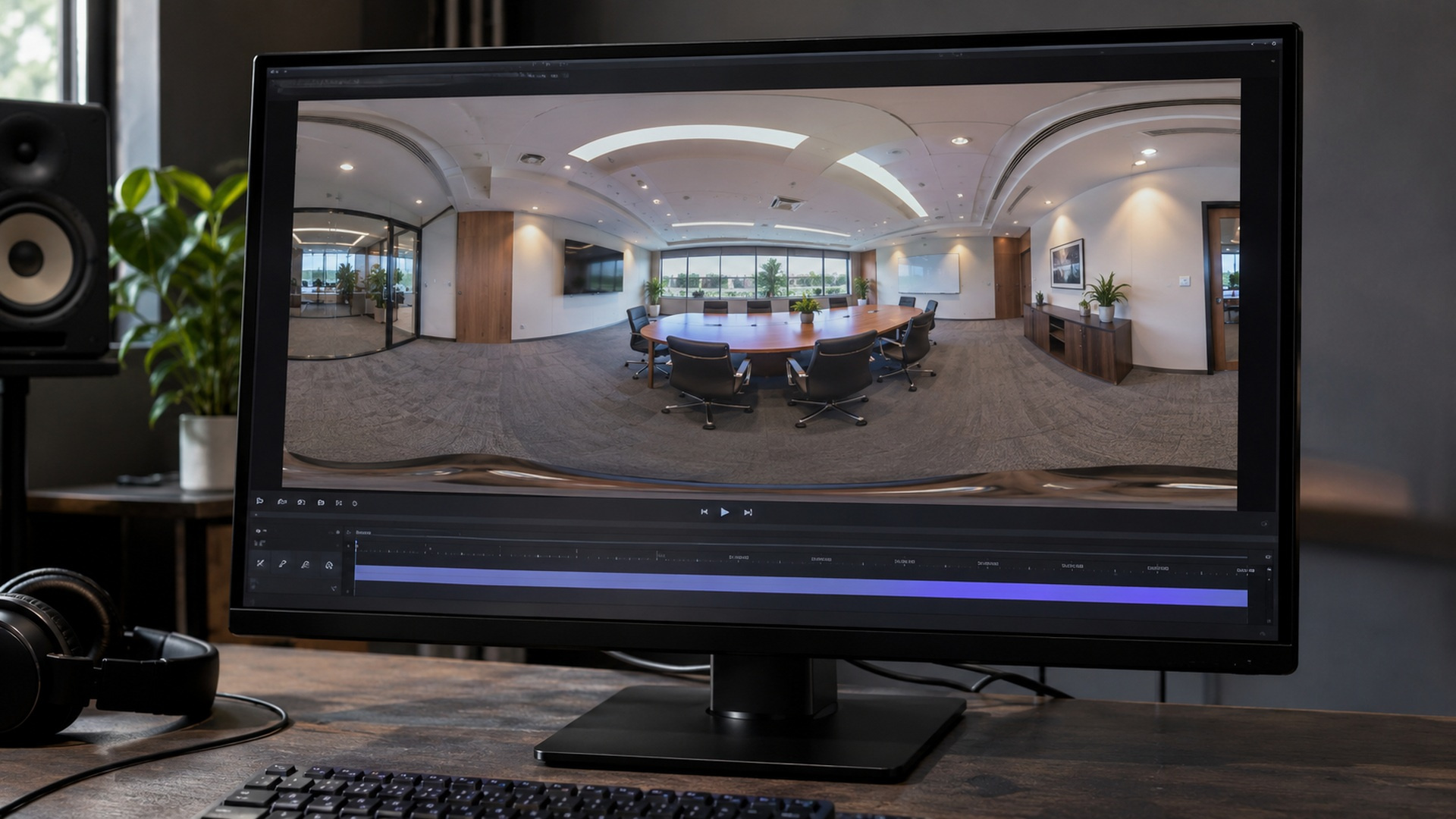
A finished 360° video is usually stored as a flat file that a compatible player interprets as a surrounding view. One common representation is equirectangular projection, in which the spherical image is mapped to a rectangular frame. The flattened image looks distorted when viewed as ordinary video, but a suitable player maps it back into a view that the audience can explore.
The file needs appropriate signalling or metadata so playback software knows how to interpret it. Without that information, a viewer may see a stretched rectangular image rather than a navigable scene. The correct settings depend on the format, export workflow and destination.
Apple described its Projected Media Profile in 2025, including distinctions between 180° and 360° projections and how compatible files can signal their format. This is one ecosystem's approach. It does not mean that every player supports the same profile or that one export will work on all platforms.
For a business commissioning production, specify the destination early. Is the content intended for a website, a particular social platform, a headset application or an on-site kiosk? Ask the producer to test a representative file on those actual destinations. Confirm how viewers enter and exit the experience, what happens on unsupported devices and whether a conventional video or image is needed as a fallback.
The difference between 180° and 360°
Not every immersive production needs a full surrounding view. A 180° experience concentrates the action in front of the viewer. That can give a production team more control over what the audience sees and where lights, crew and equipment are placed. A 360° experience allows the viewer to look behind as well, which may be valuable when the surroundings are part of the story.
For an event performance, 180° may suit a presentation focused on a stage. A full 360° view may be better when the audience's surroundings and activity on all sides are important. Neither format is automatically more engaging. The choice depends on the creative objective, camera placement, playback platform and the experience available to the intended viewers.
There are trade-offs. A viewer looking away from the main action in a 360° video may miss a key moment. Directional sound, natural movement and careful staging can help draw attention, but the audience retains control over where it looks. Scripts designed for conventional editing may need to be reconsidered when a cut or movement could be uncomfortable in a headset.
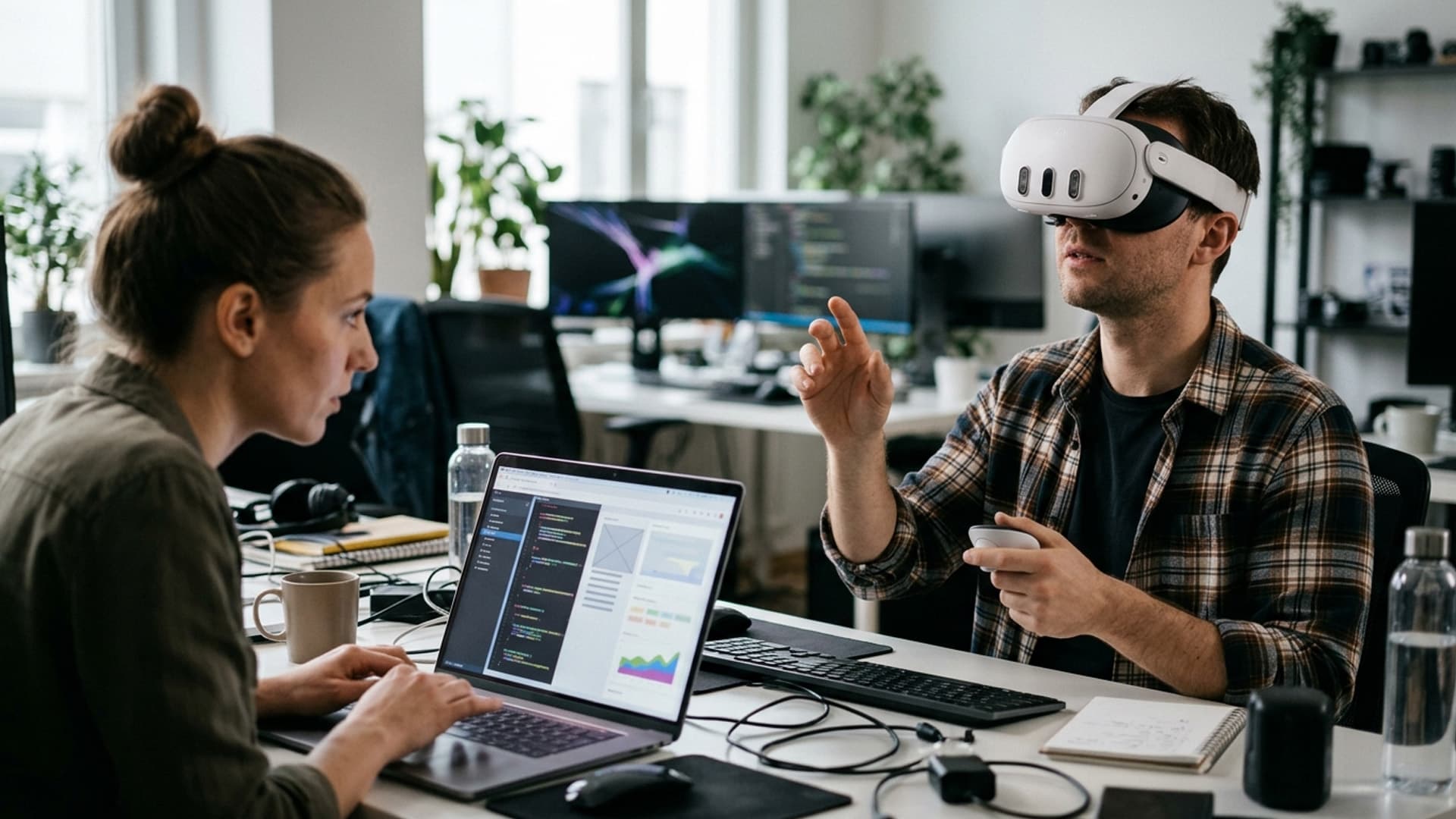
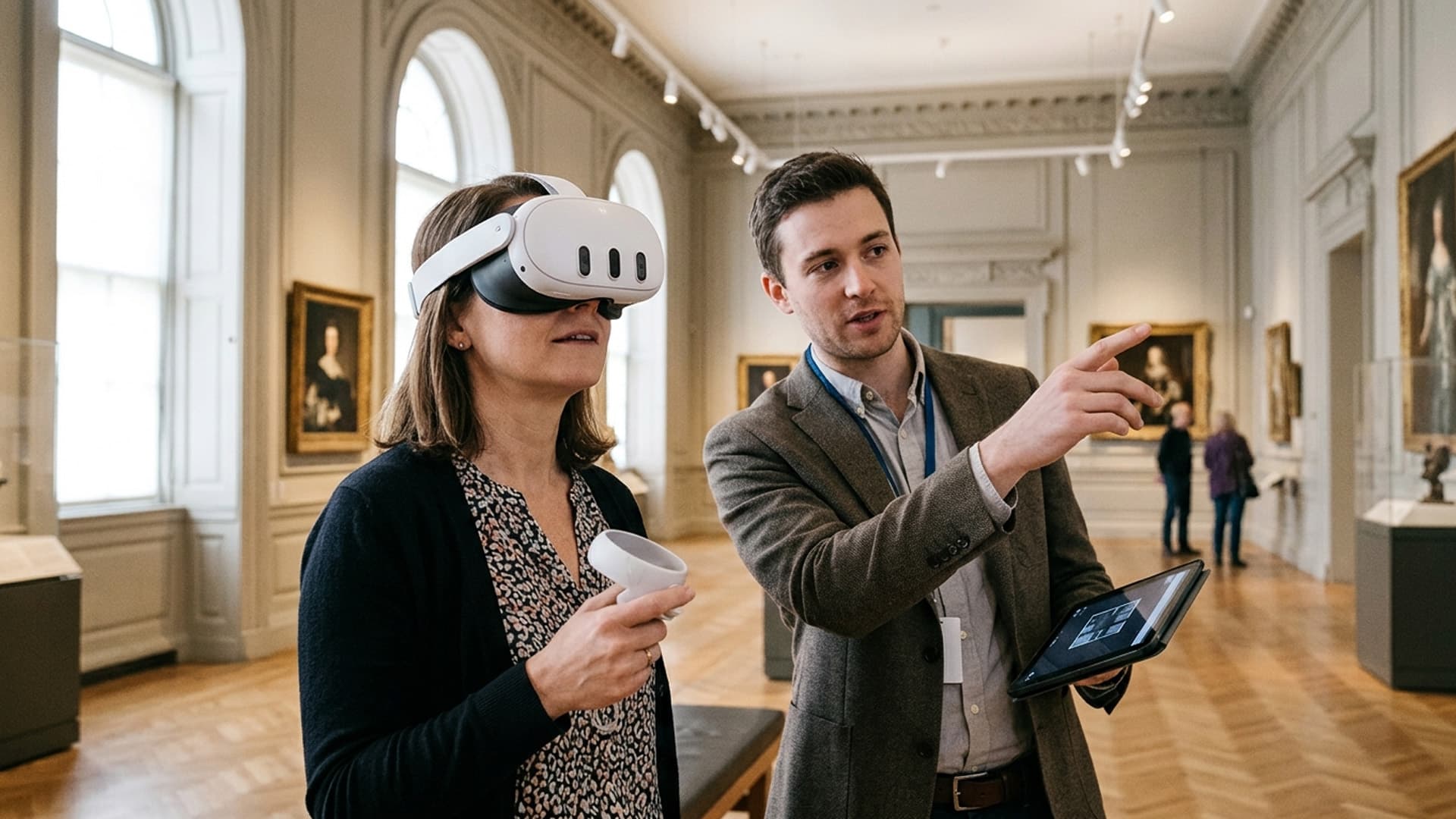
Before commissioning, ask to see relevant examples on the device your audience will use. A clip viewed in a desktop player may communicate the general scene but not the same sense of scale or comfort as a headset. Conversely, a headset-first experience may be unnecessary if most visitors will use a phone.
Movement, sound and comfort
A 360° camera can remain in one position or move through a scene. Movement may help tell a story, but it also requires care. A viewer's visual perception of movement may not match their physical sensation, which can cause discomfort for some people, especially in a headset. The speed, stability and path of a moving camera should therefore be assessed as part of the creative plan.
A stationary viewpoint can be effective when the action occurs around the camera. It also gives the viewer time to orient themselves. A series of carefully chosen still panoramas may be more appropriate than continuous moving video for a visitor who wants to compare rooms at their own pace.
Sound adds context and can direct attention. Depending on the workflow and player, spatial audio can change with the viewer's orientation. A simpler stereo soundtrack may be suitable for other uses. In either case, speech should be clear, music must be appropriately licensed and the experience should make sense when audio is unavailable or turned off.
Provide captions or a transcript where appropriate, and check how captions appear in the selected player. Essential information should also be accessible outside the immersive view. For a venue, room capacity, accessibility details and contact options should not exist only as audio inside a panoramic video.
Using 360° content for spaces and events
A property or hospitality business may commission 360° content to help prospective visitors understand a place before they arrive. The value is often in answering questions: how does the entrance connect to the room, what surrounds the pool, or how does a meeting space relate to the rest of a venue?
The content should reflect the space accurately. Review the images after renovations, furniture changes or changes to available facilities. If a view is illustrative or represents a proposed configuration, say so. Avoid implying that a panoramic image is a measured floor plan or that it captures every accessibility detail a visitor might need.
For events, a production can show the atmosphere and setting, but permissions are important. Decide where cameras will be placed, how attendees will be informed and how identifiable people will be handled. A camera records in all directions, so it can capture staff, screens, signage or private areas that were not intended for publication.
A production brief should also cover ownership, licences and reuse. Can the business use extracts in advertising? Will original files be supplied? Are music and any third-party materials licensed for the intended channels and duration? These questions should be resolved before the content is distributed.
Planning an effective production
Start with the audience and the decision or feeling the content should support. Choose the locations, the people who must approve the production and the platforms where it will be viewed. Then agree on the format, capture approach, review stages and final deliverables.
A useful specification identifies the intended duration, resolution and aspect or projection requirements, but it should also address practical matters: access to the site, suitable capture times, weather for outdoor scenes, preparation of rooms and who can authorise changes. If multiple device types matter, include them in the acceptance test.
After delivery, test the actual published experience. Check that the view can be rotated, the initial direction is useful, links work and the content loads at an acceptable speed. Review it on representative phones and computers as well as any headset included in the brief. A technically valid file is not enough if the customer cannot easily find or use it.
360° production is becoming more flexible as capture and playback tools evolve. Its business value still comes from purposeful planning, accurate representation and a smooth path from the content to the next step. Explore MetaXR's 360° production service to discuss a project and its intended audience.