Custom VR Software Turns Workplace Scenarios Into Practice
Some workplace skills are learned by doing, yet the real situation may be costly, disruptive or unsafe to repeat for every learner. Custom VR software can create a controlled scenario where a person practises decisions and sees how events respond. It is not a shortcut around instruction or supervision; it is an additional space for deliberate rehearsal when the design matches the task.
Choose a repeatable decision
Start with a scenario that can be described as a sequence of observable actions. What does the employee need to notice? What choices are available? Which action should follow? What could go wrong, and what would a knowledgeable person do? A narrow, well-defined scenario is easier to build and evaluate than a broad simulation of an entire job.
The team should also determine which parts need to be practised in VR. Some knowledge is better learned through a short reading or demonstration. Physical skills may require real equipment. VR may be useful for rehearsing an inspection, navigating a space, making a judgement or communicating through a sequence. The learning design should combine methods based on their strengths.
Translate procedure into interaction
Written procedures often assume that a reader already knows what to look for. In a simulation, the learner must locate cues in a scene and decide what they mean. Work with experienced staff to identify the visual or contextual signals that should be present. Then make them visible without making every answer obvious. The goal is to help a learner practise attention, not to hide information arbitrarily.
Actions should produce understandable feedback. If a person skips a step, the simulation can show why it matters, invite a retry or explain the consequence. Feedback should be specific and timely. A generic “incorrect” message does not teach a better response. During early practice, hints can support learning; an assessment mode can reduce hints if the organisation needs to evaluate independent performance.
Make repetition purposeful
Repetition is useful when each attempt helps a person improve. Vary conditions only when those variations teach something meaningful. A changing scenario might introduce different equipment states, environmental conditions or communication needs. Random variation without a learning reason can make results difficult to interpret and frustrate users who are trying to understand a procedure.
A learner should be able to review a completed attempt. Show the key decisions, missed cues and actions that changed the outcome. A facilitator can use those moments for discussion. If the software records performance, define exactly what is captured and how it will be used. A practice tool should not unexpectedly become a monitoring system.
Support comfort and confidence
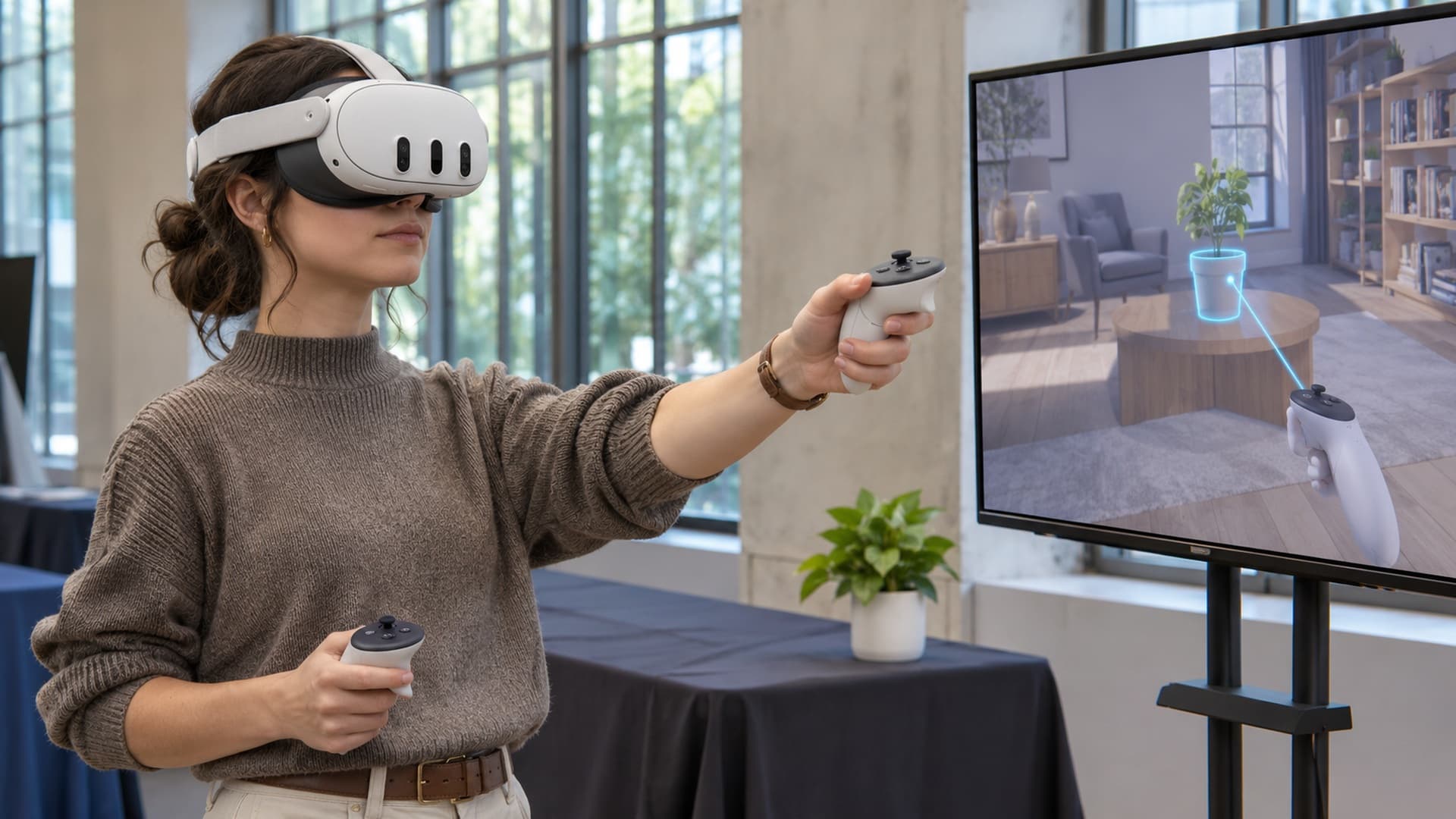
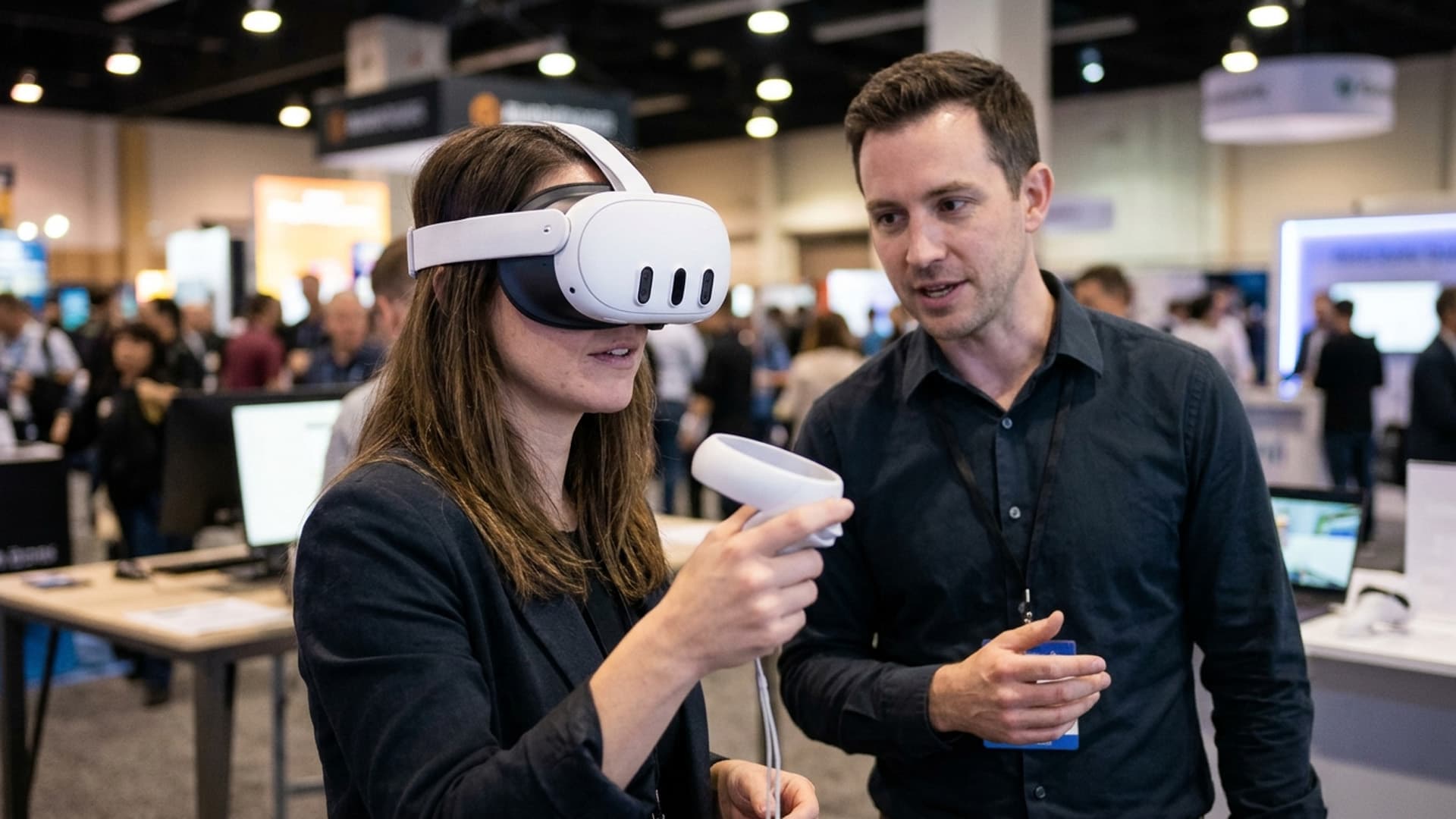
A workplace simulation may be someone’s first experience with a headset. Begin with orientation: how to hold controllers, how to interact and how to pause. Keep movement comfortable and avoid forcing users to walk or turn quickly. Provide seated options where appropriate and make the exit control easy to find. A learner who feels safe and in control is more likely to focus on the scenario.
Accessibility includes readable text, captions for spoken content, clear audio and alternatives for people who cannot use a headset. If the task relies on sound or colour cues, provide another way to identify important information. A desktop mode or facilitator-led demonstration can make the material available to a wider group, even if some interactions are different.
Build for the actual workplace
Hardware and operating conditions affect what is practical. Check the target headset, available space, network policy and device-management approach. Decide whether sessions are individual or facilitated, how users get into the application and how updates are installed. If staff have limited time, setup should be quick and the experience should make its duration clear before they begin.
The virtual environment should reflect the parts of the workplace that influence learning. Exact replication may be unnecessary, but scale, object placement and safety cues should be credible for the task. Document simplifications and ask subject experts to approve them. Do not present a simulation as operational guidance if it has not been reviewed and authorised for that role.
Validate with learners and experts
Pilot a small scenario with the people expected to use it. Observe whether they understand the goal, discover the controls and respond to the cues. Avoid explaining each interaction in advance, because that masks usability problems. Ask learners what they thought the scenario was teaching and what they would do differently next time. Ask experts whether the simulation reflects the intended practice.
Test technical quality on the deployed hardware, not only in development. Check loading, stability, frame rate, audio, controller tracking and recovery after interruption. Collect issues and prioritise those that block the learning objective. Visual polish should not be allowed to hide a broken interaction or an ambiguous instruction.
Connect practice with the wider programme
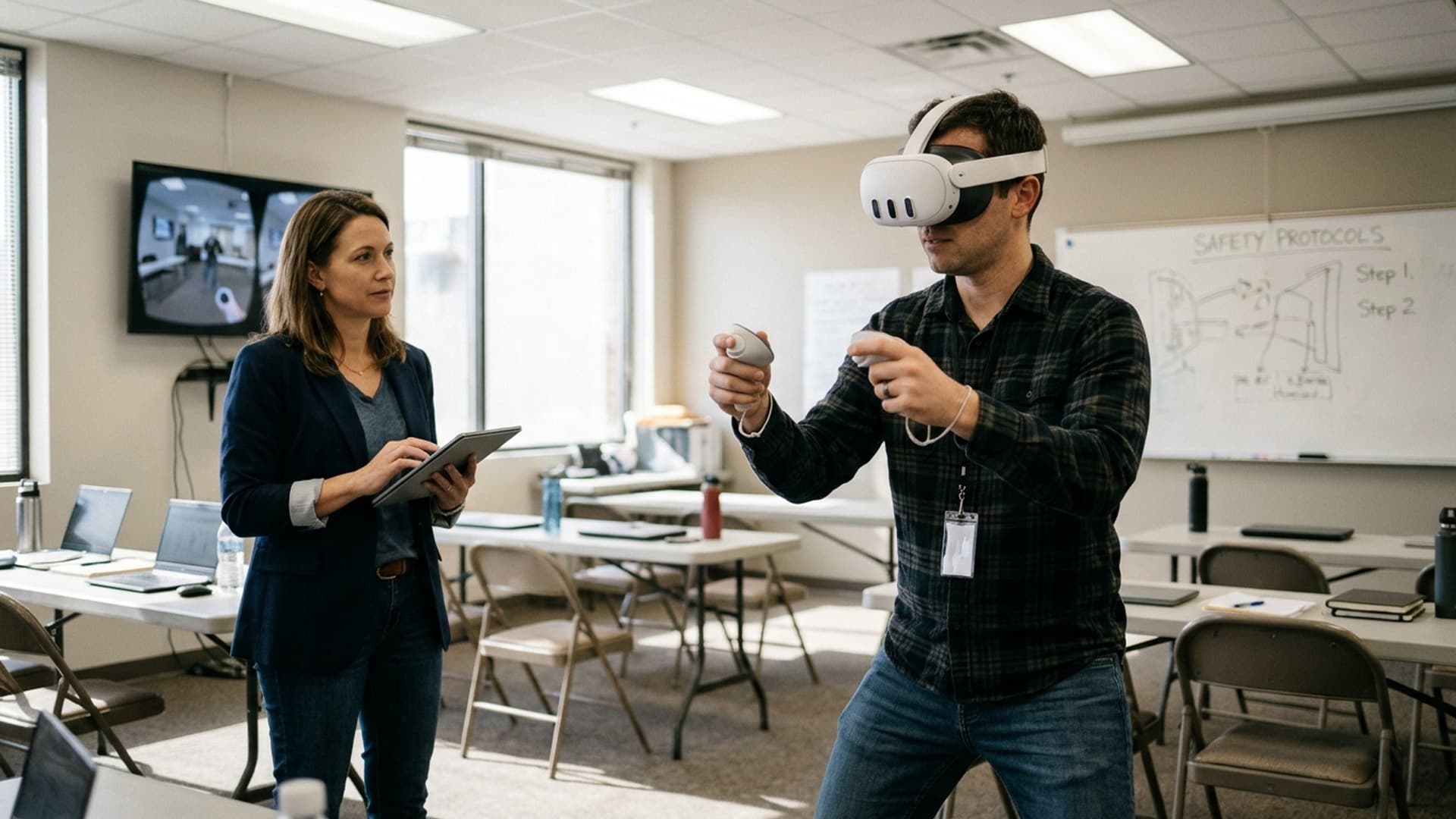
VR practice is most useful when it has a place in a broader learning plan. Explain what comes before the simulation and how the learner will use the experience afterward. A facilitator may debrief choices, connect them to policy or assign supervised practice. Keep the distinction clear between completing a simulation and demonstrating competence in the real role.
Agree on measures that reflect the learning goal, such as accurate identification, appropriate action or a reduced need for prompts across attempts. Compare those measures with existing training methods when possible, and use findings to improve the scenario. Custom VR software can make practice repeatable, but its value comes from the quality of the task, feedback and follow-through—not the headset alone.
Design a useful debrief
The learning often becomes clear after the headset comes off. Give learners a short opportunity to describe what they noticed, what choice they made and what they would do differently. A facilitator can connect the virtual scenario to actual workplace expectations and explain where the simulation simplified conditions. Without this conversation, participants may remember a score or visual effect but miss the practical lesson.
Debrief prompts should be specific and non-judgemental. Ask what information influenced a decision, where the learner felt uncertain and which step they want to practise again. If the software records an attempt, use those records to support discussion rather than to surprise people with a hidden ranking. Make clear whether practice data is private or shared.
For independent use, the application can provide a concise recap and a recommended next activity. It should not claim competence based solely on completion. A trainer or manager may need to observe the skill in a real context, especially when the task has safety implications.
A consistent debrief also helps improve the content. If many learners describe the same cue differently from the subject expert, the scene or instruction may be ambiguous. Feeding these observations back into revisions turns each training session into evidence for improving the scenario.
Treat the scenario as a maintained training asset
Keep a content register with the scenario owner, learning objective, source procedure, review date and supported device version. When an approved procedure changes, the register helps identify which scenes and feedback messages must be revisited. It also gives trainers a way to confirm that they are using a current build.
Set a review trigger for major changes in equipment, policy or work conditions, in addition to a regular calendar review. Ask subject experts to verify actions and language, then pilot the revision with a small learner group. Keep a short record of what changed and why.
A maintained scenario can evolve without losing its original purpose. The register prevents useful training from becoming detached from current practice and makes ongoing responsibility visible across the team.