Immersive Product Storytelling Works When Visitors Can Explore
A product story becomes more convincing when people can inspect the aspects that matter to them. Immersive media can help visitors see scale, construction, configuration or use in context. But a technology-heavy presentation can quickly feel like a sales pitch if it hides information, rushes people toward a purchase or mistakes novelty for understanding. Good product storytelling gives visitors room to explore and make up their own minds.
Start with the product’s difficult-to-explain qualities
Ask which qualities are hard to communicate through ordinary photographs and copy. Perhaps the product is large, has a complex interior, changes configuration or is used in a process that is not easy to stage. Those are promising reasons to consider 3D, animation, AR or VR. If the product is already easy to understand from a clear image and specification sheet, an immersive layer may add cost without helping.
Speak with people who know the product as well as people who buy or use it. Product specialists can identify accurate details, while customers can reveal the points they find confusing. Translate those insights into a small set of visitor questions. For example: how does a part fit, what changes between versions, or what does this item look like in a real environment?
Let the visitor set the pace
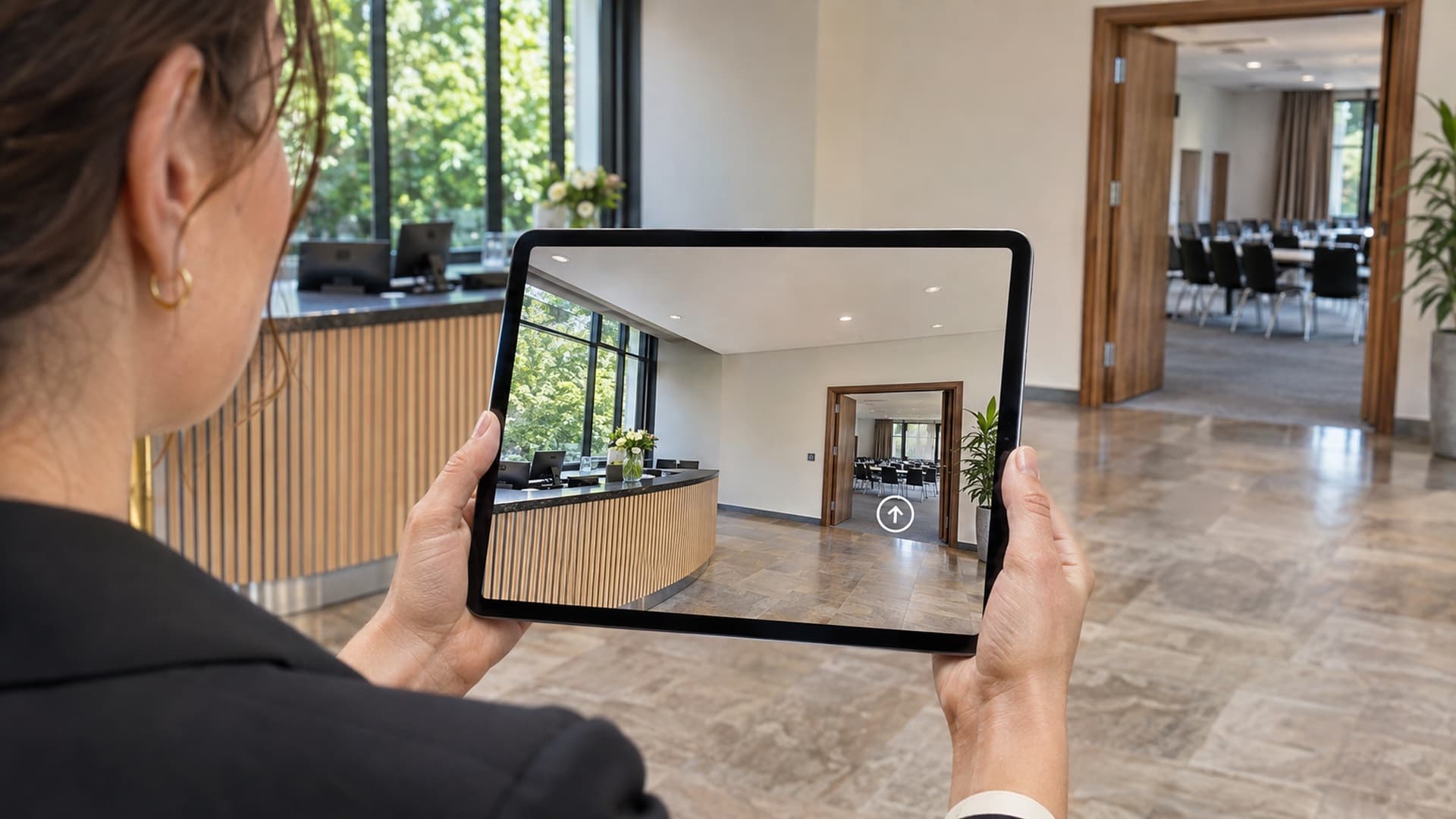
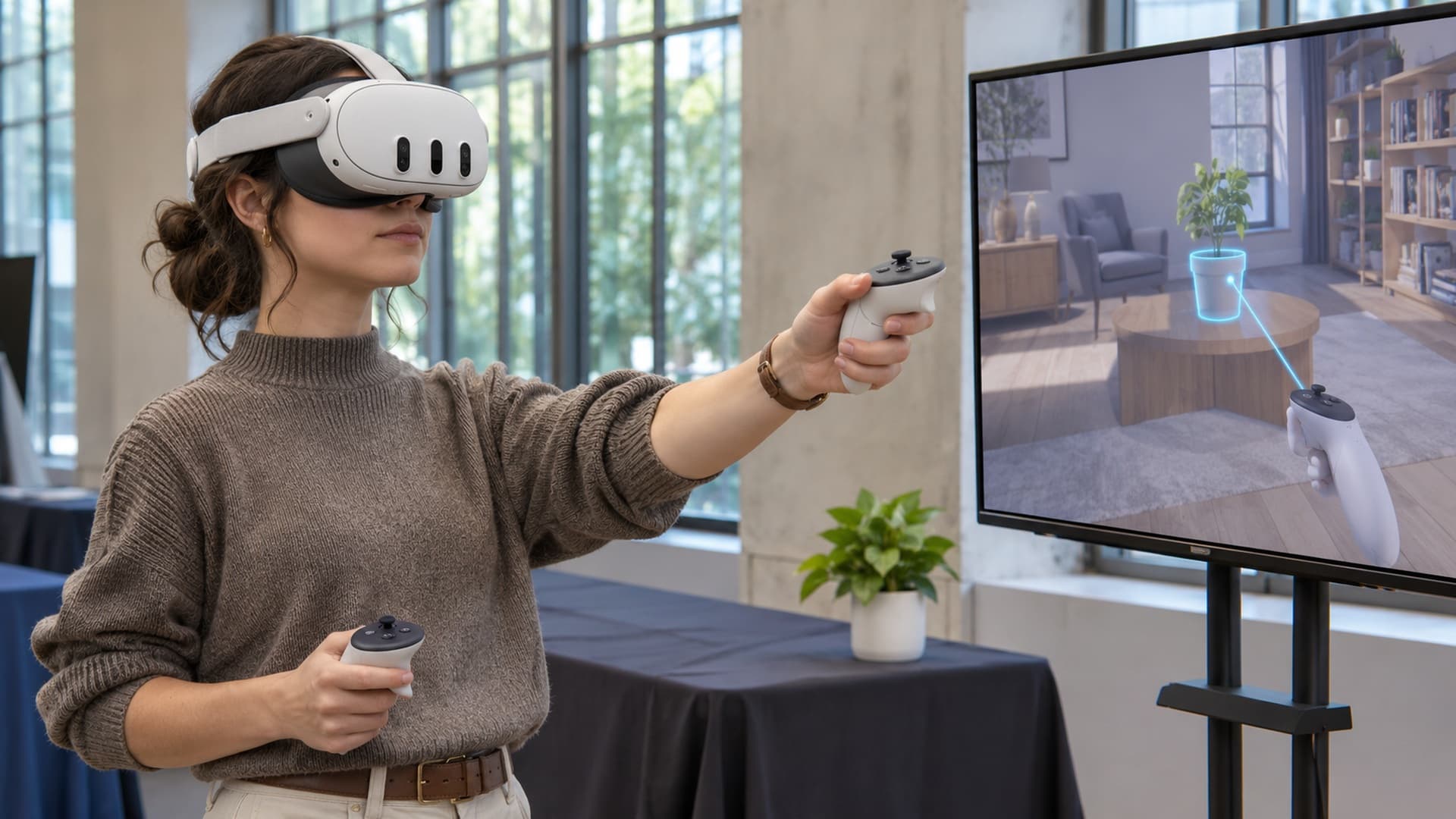
A guided story can introduce the product, but visitors should be able to pause, revisit a detail or choose what to inspect. A 3D viewer may allow rotation and zoom; a branching experience can offer a few clear paths; an AR view can help someone understand approximate scale in a room. Explain the controls and make it easy to return to a starting point.
Do not overload the experience with pop-ups, animated callouts and repeated prompts. Each layer competes for attention. Reveal detail progressively: begin with the overall form, then let an interested visitor open a focused explanation. This supports both people who want a quick overview and those who prefer to investigate.
Keep claims precise
An immersive image can make a product look polished and complete, which makes accuracy especially important. Label concept visualisations, illustrative scenes and features that depend on a configuration. Do not imply that a digital model shows an exact finish, current stock item or guaranteed performance if it does not. Product teams should verify dimensions, options and wording before release.
A transparent presentation includes limitations. If a model is not to scale, say so. If colour varies across displays, let visitors know. If an animation simplifies a process, explain what it represents. These notes do not weaken a product story; they help visitors interpret it correctly and protect the organisation from avoidable misunderstandings.
Balance immersive content with practical information
Visitors still need names, specifications, compatibility, care details and ways to ask questions. Put that information in accessible page content, not only inside the 3D scene. A visitor should be able to compare options without memorising them from a sequence of animations. Use clear text labels and include a concise summary of the major points.
Calls to action should follow the visitor’s stage. Someone exploring may want a brochure or a comparison; another person may be ready to request a quote. Offer relevant next steps without presenting every visitor with the same high-pressure prompt. State whether an action opens a form, external site or downloadable file.
Make the media fast and inclusive
3D models, high-resolution video and AR can demand significant processing and bandwidth. Show a lightweight preview first and load the immersive content when requested. Optimise geometry, textures and video, and test on common phones as well as desktop hardware. A slow experience can undercut the very product quality it is meant to communicate.
Provide an equivalent route for people who cannot or do not use the immersive interaction. Still images from meaningful angles, written descriptions, captions and accessible controls make the content more broadly usable. Avoid essential information that appears only on hover or depends on colour alone. Provide a pause control for animation and respect reduced-motion preferences when possible.
Use storytelling to explain, not decorate
A good story has a point of view: it helps the visitor understand why a feature exists, how it relates to a need or how the product fits into a larger system. The narrative might follow a use sequence, show a component relationship or explain a design decision. Every scene or interaction should add information. If it does not, remove it.
Voice, music and environmental sound can create atmosphere but should not compete with explanation. Give viewers control of audio and offer captions. In a shared or public setting, consider whether headphones are practical and whether the experience remains understandable without sound.
Evaluate what visitors learn
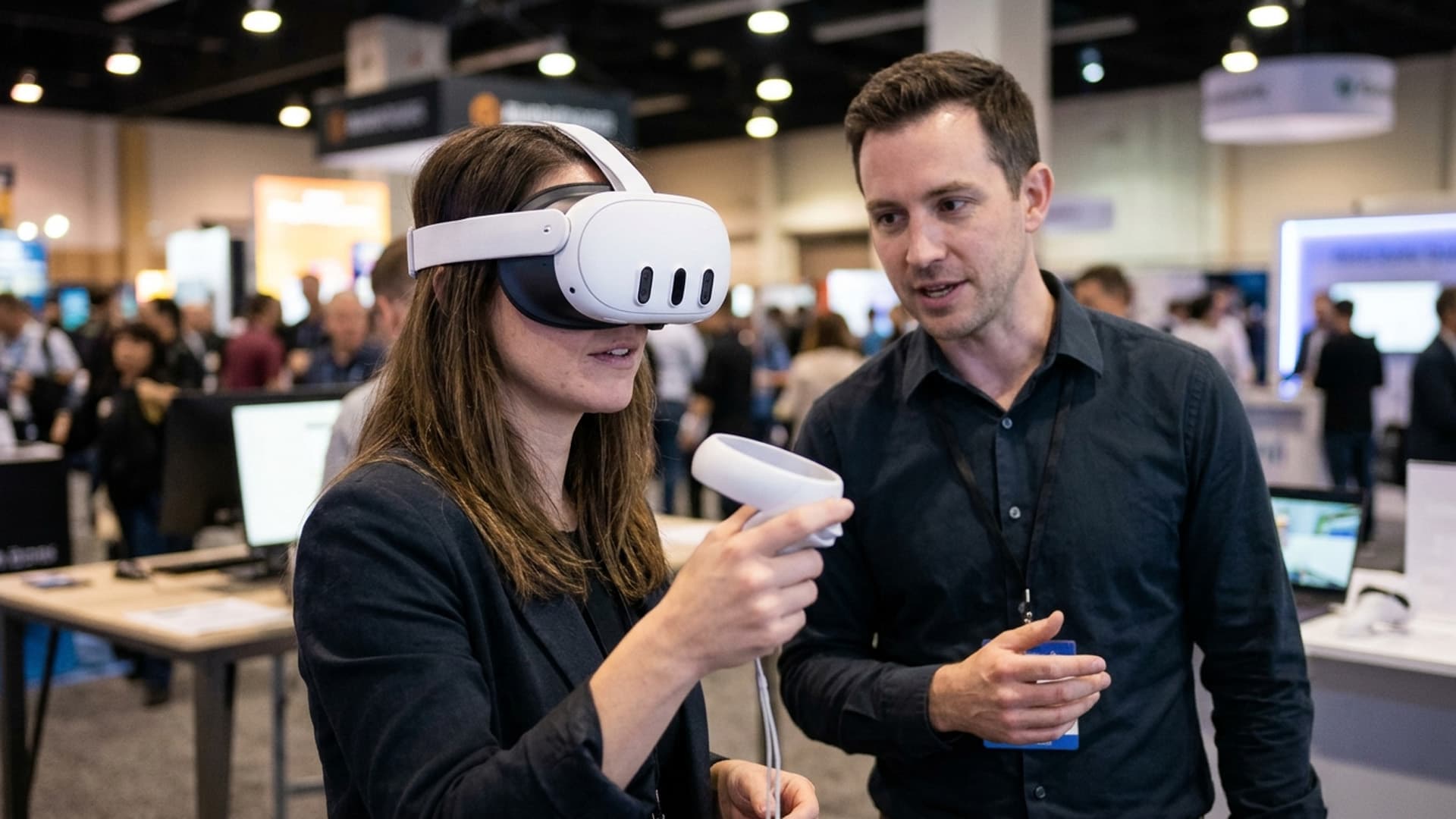
Engagement should mean more than time spent. Test whether people can answer the questions the experience was designed to address. Can they identify a product option? Explain how a component works? Find the specification they need? Observe people using the experience without coaching and ask what was clear or confusing. Short tests often reveal that a feature everyone on the production team understands is not obvious to a first-time visitor.
Immersive product storytelling works when it gives people useful control and respects their judgement. Clear questions, accurate models, progressive detail and accessible alternatives create an experience that informs instead of pressuring. The technology is not the story; it is a way to let the visitor see the product from a more helpful perspective.
Use comparison to support choice
When a product has meaningful alternatives, provide a stable way to compare them. Keep the camera angle, scale and lighting consistent so the visitor can see what actually changed. Name each option plainly and show relevant specifications beside the visual preview. Do not make someone remember one configuration while switching to another. A comparison view or saved selection can reduce that effort.
Be careful with default choices. A preselected finish or accessory can unintentionally imply that it is the standard or recommended option. Label defaults, explain why they appear and allow visitors to reset the selection. If the configuration affects price or availability, show when those values are estimates and where a customer can confirm them.
Storytelling can also include the reasoning behind a design feature. Explain what problem a feature addresses, how it works and when it matters. Avoid unsupported superlatives; specific explanation is more credible than calling every feature revolutionary. When evidence or limitations are available, present them accurately.
The result is a more respectful purchase journey. Visitors can explore at their own pace, compare details and decide what information they need from a person. The experience is persuasive because it is useful, not because it pushes someone toward a predetermined conclusion.
Review the experience for trust
Before publication, compare the immersive content with the current product information and ask someone outside the production team to identify what is fact, illustration and optional configuration. If a detail could affect a purchase decision, make its status explicit. Ensure that supporting specifications and contact routes are available without interacting with the model.
A trust review should also look for friction: forced sign-ups, autoplay, hidden limitations or repeated prompts to enquire. Remove steps that do not help the visitor. Let people explore privately and decide when they want assistance. An experience that respects a visitor’s pace can be persuasive without using pressure, and it is more likely to earn confidence over time.