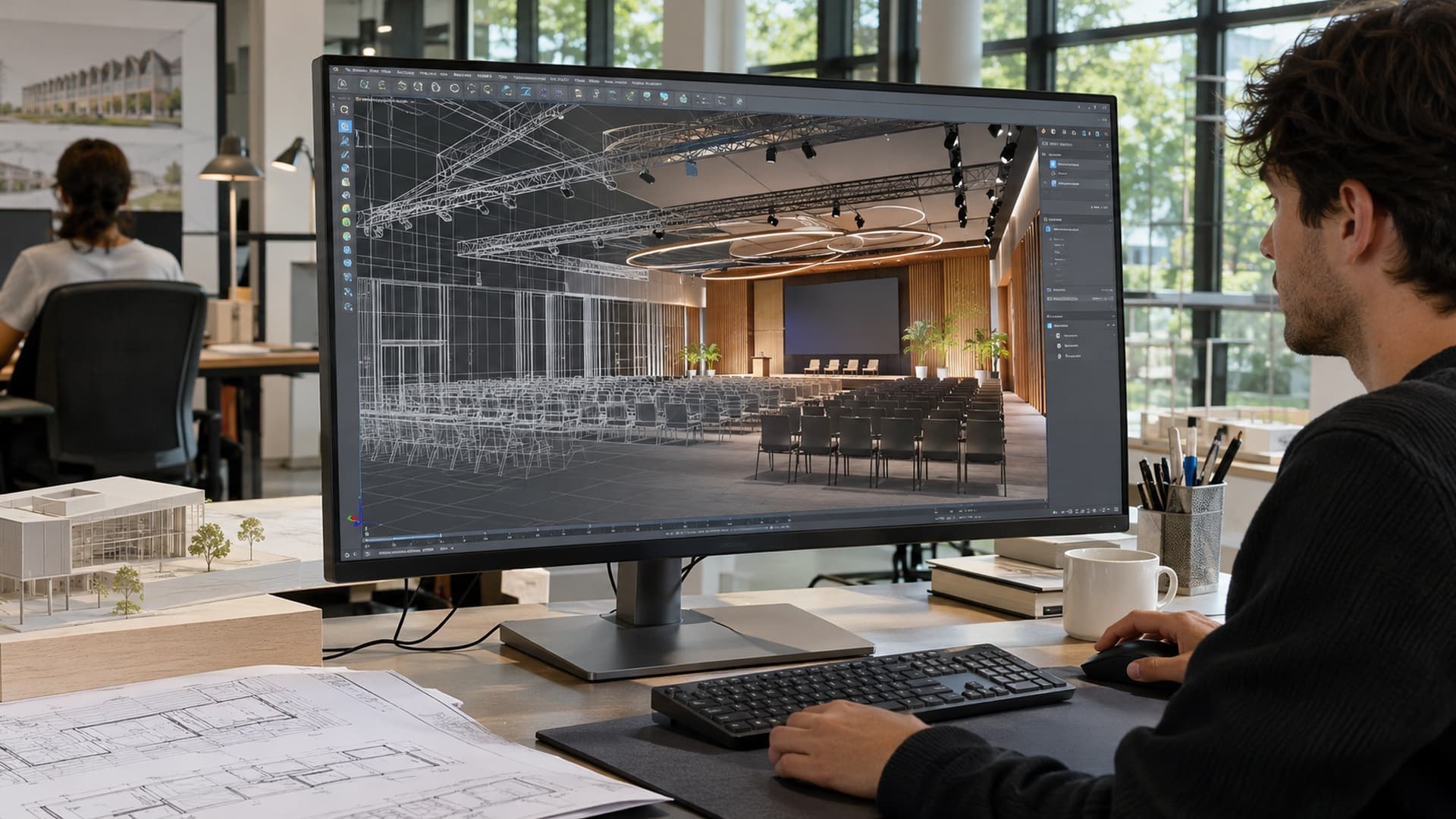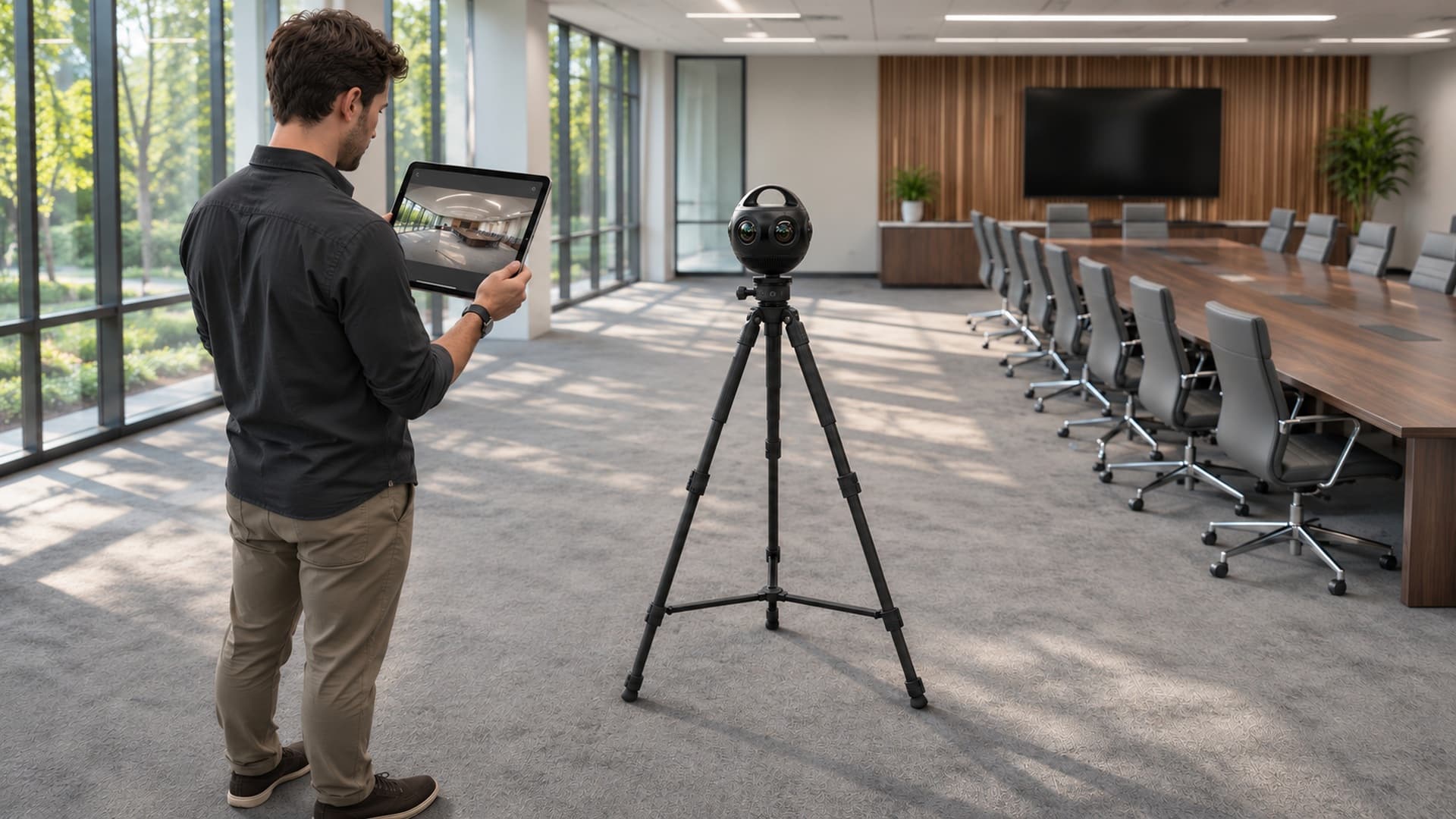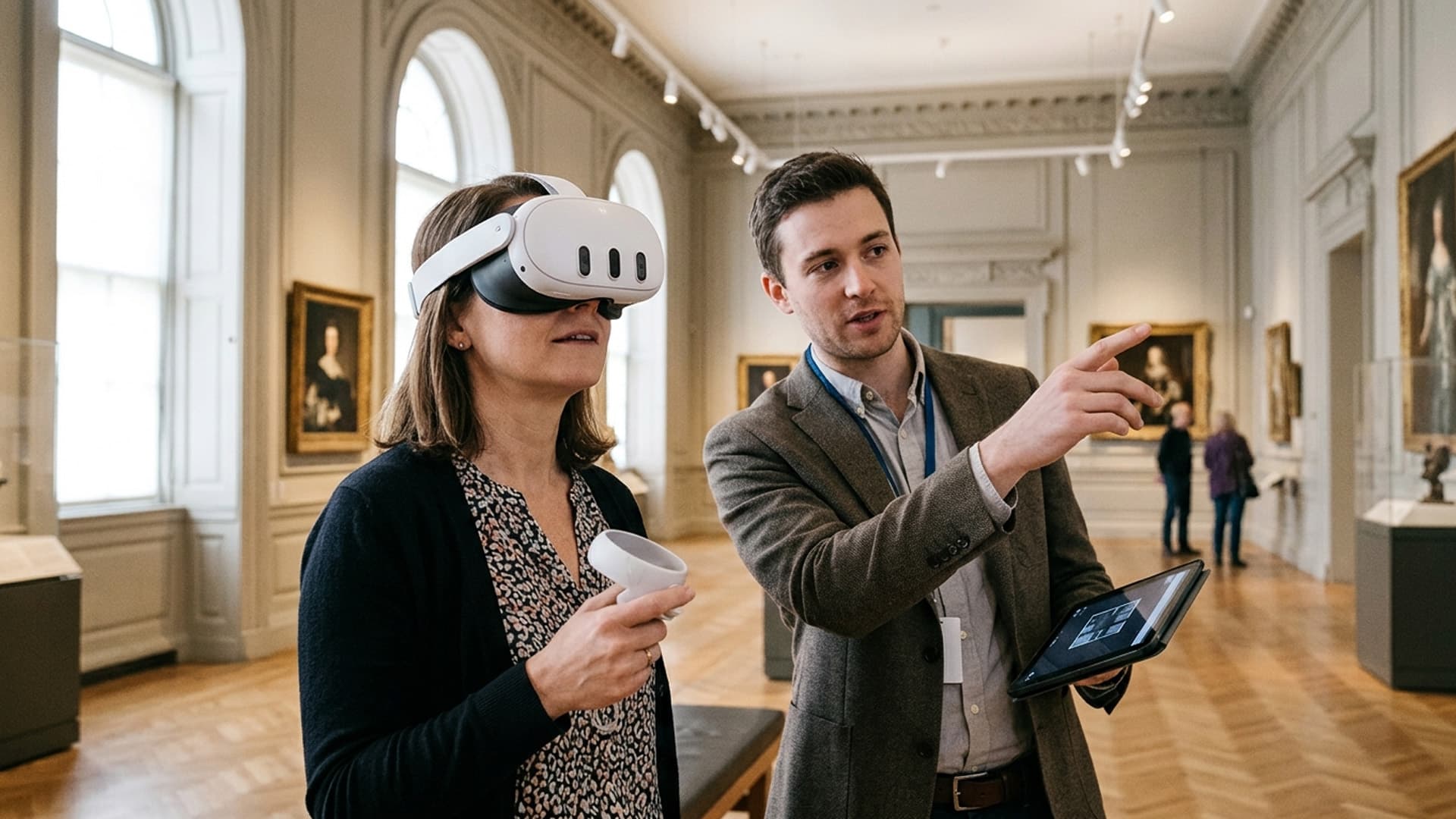
An immersive project often needs a web journey around the experience: an introduction, a launch point, device guidance, supporting content and a route to contact or purchase information. MetaXR lists web development alongside VR, AR, virtual tours, 360 video and metaverse services, and describes web solutions integrated with XR capabilities.
Make the browser part of the experience
A browser page can explain what users are about to enter, identify compatible devices and offer a non-headset route where possible. It can also carry supporting information that does not belong inside the immersive scene. Good web design helps people reach the experience without losing context.
WebXR can support immersive experiences through compatible browsers and devices, but capability varies. A project should identify its target platforms and test them early. Users need clear permission prompts, understandable controls and a fallback when their device cannot run the immersive content.
Coordinate web and 3D production
The web team and 3D team should agree on asset formats, loading behaviour and performance budgets. Large models or video files can affect the time before a page becomes usable. Progressive loading, compressed assets and a useful poster image can help set expectations while content loads. Test over realistic network conditions, not only on a fast development connection.
Accessibility also spans both layers. Provide text alternatives for important information, captions for spoken content and navigable controls where feasible. Do not make essential instructions visible only inside a headset.
Connect the experience to a wider journey
The browser can connect an XR interaction to a service page, a booking flow or a product detail. Analytics should be purposeful and respectful of privacy. Decide what is measured, explain data collection and avoid tracking more than the project needs.
MetaXR’s service portfolio combines web development and immersive production. That creates a path to design the whole user journey rather than treat the 3D scene as a disconnected file. The brief should define how people discover, enter, use and leave the experience across devices.
WebXR brings immersive interaction into the browser
WebXR describes browser technologies that let supported devices present virtual-reality or augmented-reality experiences through the web. Its appeal is straightforward: a visitor can reach an experience through a page rather than first installing a dedicated application. For some campaigns, product previews and interactive stories, that lower-friction entry point can be valuable.
The web format also changes how an experience is built and delivered. The page needs to load assets, manage device support, explain controls and provide a usable fallback when a browser or headset does not support the same capabilities. A successful WebXR project is not simply a 3D scene embedded in a website. It is a complete browser journey that begins before immersion and continues after the visitor leaves the headset view.
The browser journey is part of the experience
Most visitors first encounter a WebXR experience on a conventional screen. They may arrive from a search result, an email or a product page. The opening should explain what the experience offers and how to begin. A clear preview image and an explicit start action can give people control over when immersive content loads, which is helpful when 3D assets are large or when the browser must request permission to enter a device mode.
Permission prompts should not surprise users. The page can explain why a camera, motion sensor or immersive session is needed before the browser asks for access. The request should be made only when the visitor chooses the relevant feature. Asking for permissions on page load can feel intrusive and may be blocked or declined before the user understands the value.
The experience needs a non-immersive mode that communicates the same essential idea. A desktop visitor may explore with a mouse; a phone visitor may use touch controls; a headset user may enter VR. The exact interaction can differ, but each route should feel intentional. If unsupported browsers see only a blank canvas or error message, the project has lost much of the accessibility advantage of being web-delivered.
Performance and asset delivery
WebXR experiences often include 3D models, textures, audio and animation. Those assets affect how quickly a page becomes usable and how smoothly it runs on a device. Large source models may need to be optimised, textures sized appropriately and distant or hidden detail reduced. The right level of fidelity depends on the visitor's task; visual complexity should support understanding rather than consume performance budget for its own sake.
Loading can be staged. The page may show a lightweight preview first, then fetch the scene after the visitor chooses to start. Essential geometry can load before optional details. Progress feedback helps users understand that the experience is preparing rather than frozen. The implementation should keep layout dimensions stable so the page does not jump when the immersive canvas appears.
Testing should include a range of devices, not only a development computer. Mobile processors, thermal limits, browser versions and headset capabilities differ. A scene that looks smooth on a desktop graphics card may drop frames on a phone. Teams should measure actual performance and make informed trade-offs between resolution, texture quality and interaction complexity.
Interaction design across input methods
Browser-based experiences may need to support mouse, touch, gaze, controllers or hand input. Each input method has different precision and discoverability. A small icon that works with a cursor may be difficult to select with a controller. A gesture that feels natural in a headset may be unclear on a phone. The design should use controls suited to each device and avoid assuming that all users share the same hardware.
Instructions can be introduced progressively. A brief cue can explain how to look or move, and a more detailed help panel can remain available. People should be able to pause, reset or leave without searching for a hidden browser control. In VR, the exit path is particularly important because the user may not be able to see the surrounding page while immersed.
Interaction should have a clear response. When a user selects an object, changes a product configuration or opens a detail, the result should be visible and understandable. If the application supports a complex task, it may need a short guided opening before allowing free exploration. The interface should avoid overloading the scene with controls that compete with the content.
Privacy and browser permissions
WebXR may involve access to a camera, motion information or environmental understanding depending on the browser and device. The project should request only capabilities it needs and explain them in plain language. A visitor should know whether camera information is processed locally or sent elsewhere, and whether the application stores interaction data.
Permission handling needs to be resilient. A user may decline a request, revoke access or use a browser that does not support it. The page should respond with a useful alternative instead of repeatedly prompting. If the experience uses the camera to place an object in the room, the user should still be able to view a model on a flat page when permission is unavailable.
Data collection should align with the purpose. If the experience only needs to render a model, it may not need to identify the visitor. Anonymous performance metrics can help improve loading and interaction, but they should be designed with privacy in mind. Avoid collecting spatial maps, images or personal information unless there is a clear requirement and suitable safeguards.
Content management and updates
Browser experiences often sit within a larger website. They need to fit its navigation, branding, analytics policy and content management approach. The team should decide whether scene text and product data can be updated by a content editor or require a developer release. Keeping editable information separate from application code can make simple updates more efficient, while sensitive functionality remains under technical review.
Versioning matters because browsers and devices evolve. A change to a library or graphics feature may affect older hardware. Maintain a tested baseline and check the experience after updates to the website or external dependencies. If the WebXR scene is a campaign asset, define how long it should remain online and who is responsible for retiring or refreshing it.
Search, sharing and discoverability
An immersive canvas is not a substitute for ordinary web content. Search engines and screen readers need descriptive page text, headings, links and media alternatives around the experience. A visitor should be able to understand the page's topic before launching the 3D scene. The page title, summary and preview image also matter when the experience is shared through social or messaging platforms.
Sharing can return users to a specific product, scene or configuration, but deep links should behave predictably. If a saved URL opens a particular state, the page needs to validate that state and provide a fallback if it is no longer available. Sharing should not expose private information or create a path to internal project content.
When WebXR is a good fit
WebXR can be attractive when the audience should enter quickly, the experience is relatively self-contained and browser reach is important. It may suit a product preview, spatial story or lightweight interactive demonstration. A native application may be better when the project needs deeper device integration, offline operation, advanced performance or long-running account-based features. The decision should come from requirements, not from a general belief that web delivery is always simpler.
A prototype can test device support, loading time and interaction before the project commits to a full build. Test the experience through the complete path: opening page, permission request, immersive entry, key interaction and exit. This reveals whether WebXR genuinely reduces friction for the intended visitor.
Web development for immersive projects
MetaXR combines immersive production with web development so that the surrounding page and the 3D experience work as one journey. The work can include responsive preview design, asset optimisation, browser interaction, fallback content and deployment testing. The appropriate scope depends on the audience and the devices the project must support.
WebXR makes immersive technology more accessible through familiar web links, but a link alone does not guarantee a simple experience. Performance, permissions, input methods, privacy and fallback behaviour all matter. When those considerations are designed into the page from the beginning, browser-based immersion can feel like a natural extension of the web rather than a technical detour.