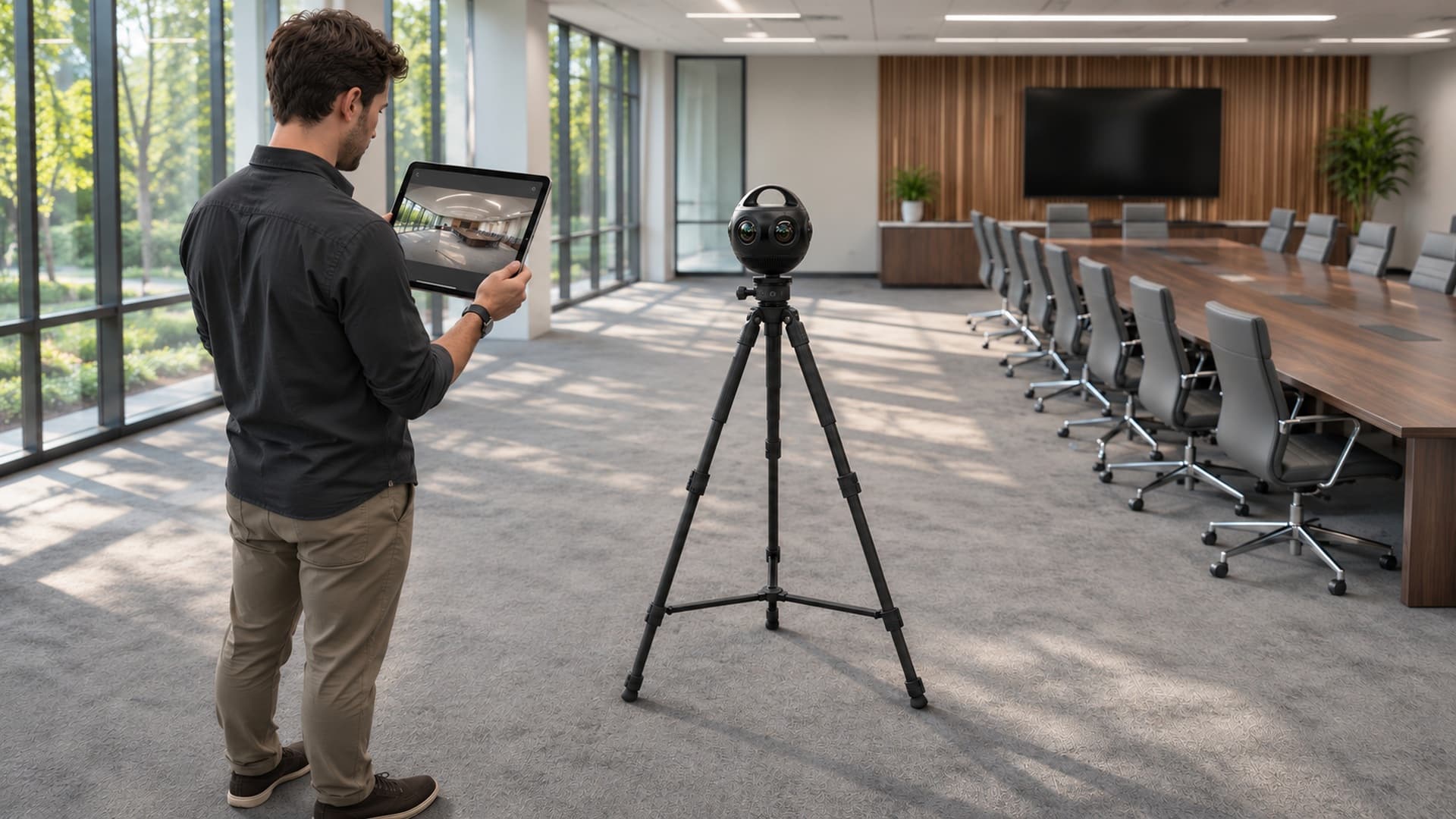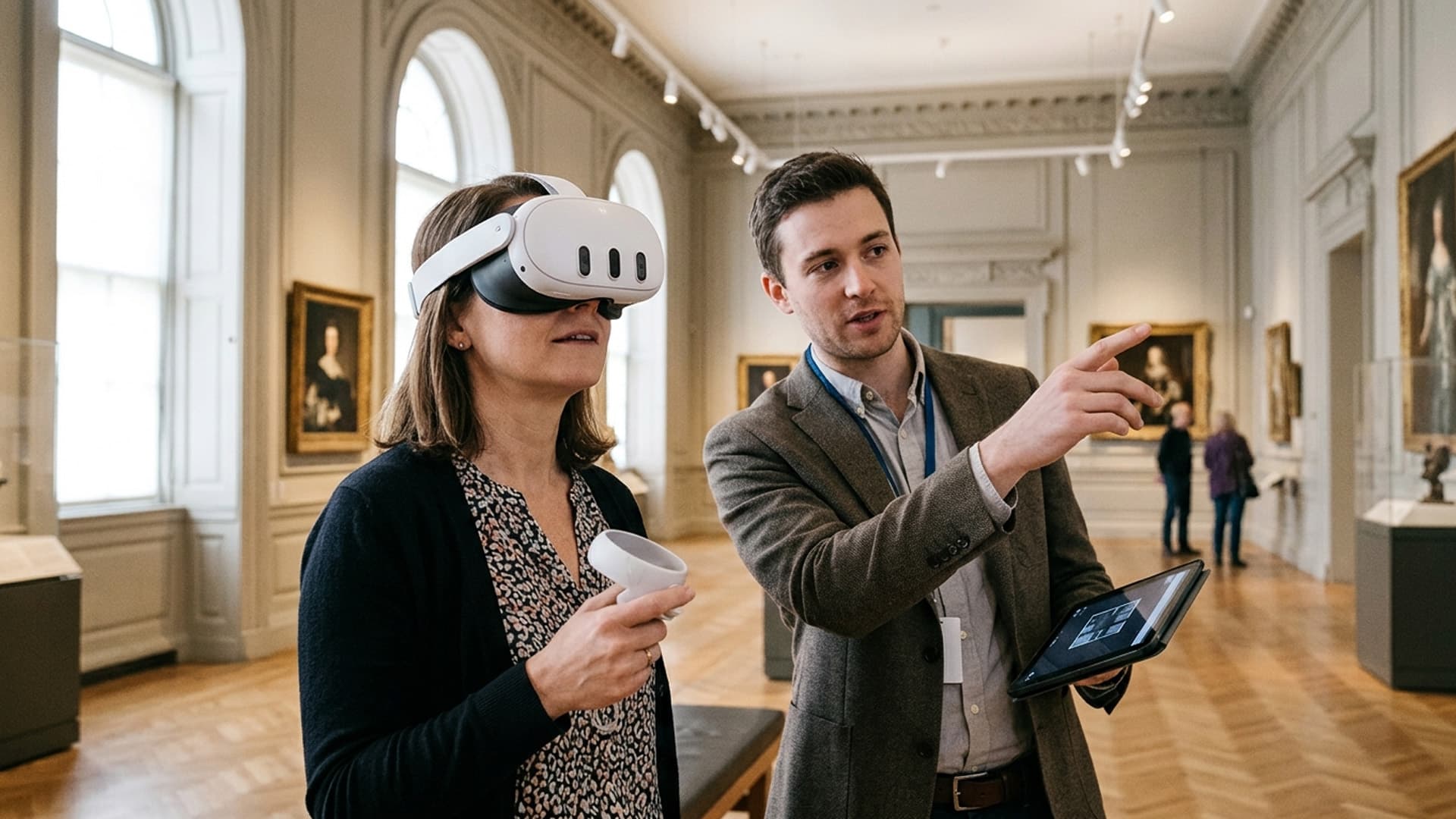
A virtual tour offers a way to explore a real location remotely. MetaXR describes tours built from 360-degree panoramic imaging or 3D modelling, with navigation and multimedia annotations for places such as properties, museums and historic sites. The experience should help visitors understand a place, not make them work to find their way through it.
Decide what the visitor needs
A property viewer may want to understand how rooms connect. A museum visitor may need context about an object or gallery. A prospective guest may want to preview a venue before travelling. Those questions should guide which spaces are captured and where supporting media appears.
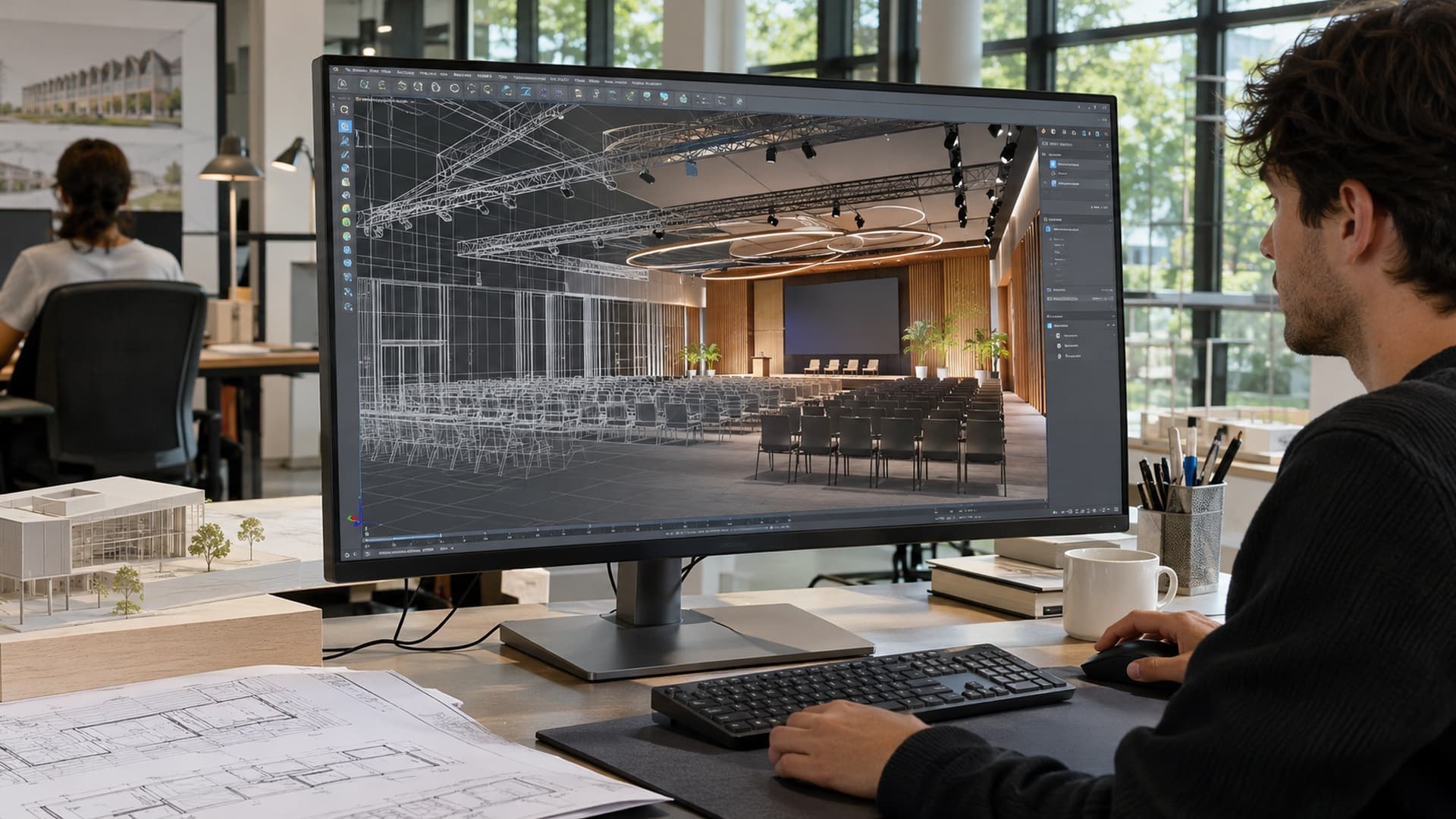
Panoramic capture and 3D modelling are different production approaches. A panorama can record a real viewpoint, while a model can create a navigable representation or show a space that is not available for capture. The source and status of the imagery should be clear. Do not present a concept model as a current physical location.
Keep navigation simple
Visitors need a clear starting point and predictable ways to move between locations. Hotspots can add descriptions, photographs or links, but should be used selectively. Ensure labels are accurate, readable and useful on both desktop and mobile. Test the tour with people unfamiliar with the interface to find moments of confusion.
A headset provides an immersive viewing option, but browser access may be essential for visitors without specialist devices. Touch controls, keyboard navigation and loading behaviour should be tested on expected devices.
Maintain permissions and content
Before capture, confirm permission to record the location and identify private or restricted areas. Review the final tour for people, documents or objects that should not be visible. When the venue changes, appoint an owner to review whether the tour remains accurate.
MetaXR’s virtual tour service describes interactive walkthroughs for physical locations. A project brief should cover the audience, capture method, navigation, media, access and update responsibilities. Done well, a tour can give remote visitors a meaningful first look while setting honest expectations about what they will find.
Immersive experiences should be designed for the connection they will actually have
VR and mixed-reality experiences are often developed in studios with fast, stable internet. Their final audience may encounter them in an event hall, a remote site, a moving vehicle or a venue where many devices compete for the same wireless network. A project that depends on continuous connectivity can fail at the exact moment it is meant to demonstrate its value.
The first task is to understand what the experience needs from the network. It may need a connection only for initial sign-in, content download or updates. It may rely on live collaboration, streaming assets or real-time information throughout the session. Those requirements create different levels of risk. A team should map each network-dependent feature and decide what the user sees if the connection becomes slow or unavailable.
Reliable design does not always mean removing every online feature. It means separating what must be live from what can be prepared in advance, then giving the experience a coherent fallback. A model, scene or media file can often be downloaded ahead of time. Shared sessions may need a local mode or a clear reconnect process. The user should not be left staring at an error with no explanation.
Identify critical and optional network functions
An experience may use connectivity for several purposes: authentication, downloading content, synchronising user state, retrieving data, sending analytics or connecting participants. The team should classify which functions are essential to the central task. If analytics fail, the visitor may still be able to complete the experience. If the application cannot load its core scene, an offline package or a guided alternative may be necessary.
This classification helps avoid unnecessary dependence on the network. A remote configuration service might be convenient but not essential for a short event demo. A collaboration feature may be central to a multi-user training application. The architecture should reflect that difference. Treating every request as equally critical can make a minor service outage bring down the whole experience.
The application can check connection state at useful moments and communicate what is happening. It should avoid repeatedly interrupting the user with a generic warning if a background request fails. Where possible, it can queue non-critical updates and try again later. If an action cannot continue, it should tell the user which part is unavailable and what options remain.
Prepare content without compromising security
Preloading can make an experience more resilient, especially when large 3D models, audio or video are involved. The team can install content on the device or download it before a session begins. This reduces reliance on streaming during use and can improve performance. It also means that files need a versioning and update process so that a device does not continue serving content that has become outdated.
Offline operation has security and licensing implications. Content stored locally may remain on a device after a session. The organisation should know what data is included, who can access it and how it is removed or refreshed. Credentials and personal information should not be embedded in a package simply to avoid a network dependency. The offline mode should follow the same access and retention principles as the connected application.
Large content packages require planning for storage and update time. If the experience is deployed across many devices, the team needs a reliable method to distribute changes. This could involve a controlled update window, local network transfer or device management, depending on the environment. A pre-event update test can prevent a fleet from attempting to download the same large files as visitors arrive.
Design a useful degraded mode
When connectivity changes, the user should still receive as much of the intended experience as possible. A degraded mode might preserve a single-user scene while disabling live collaboration, or show cached information with a timestamp. It could switch to a locally stored video or allow a facilitator to guide the interaction. The appropriate fallback depends on the central promise of the experience.
Degraded mode should be tested, not merely documented. Disconnect the network during a rehearsal and observe what the user sees. Does the application freeze? Is progress lost? Can the participant restart? Can the facilitator explain the issue? The test should include slow or intermittent connectivity, not just a complete network outage, because partial failure can be harder to handle.
If the connection returns, the experience needs a safe recovery. It should avoid duplicating actions, corrupting a user's progress or abruptly changing the scene. The application can synchronise state at a deliberate checkpoint and make any conflict visible. For a short event experience, restarting from a known point may be simpler and safer than attempting complex recovery.
The venue network is part of deployment
Event networks may be managed by organisers, venues or a third-party provider. Access policies, captive portals, bandwidth limits and device registration can all affect a headset. The production team should request network details early and confirm what devices need access. A test conducted on a personal hotspot may not reflect the actual environment.
Wireless conditions vary with audience density and physical layout. A quiet setup hour can produce a misleading result if the hall becomes crowded later. The team should test in a realistic location and understand whether the experience can continue if the network degrades. If a private or dedicated network is required, it should be confirmed with the organiser rather than assumed.
Connectivity is also a security concern. Shared headsets should join approved networks, and the application should use encrypted communication where appropriate. Avoid open networks for sensitive data. The team should know how devices are removed from the network after the event and whether any credentials need to be rotated.
Multi-user experiences need graceful coordination
Collaborative VR may rely on a network to synchronise position, voice and shared objects. Latency can make a conversation feel unnatural or cause participants to see different states. The design should prioritise the actions that need synchronisation and tolerate small delays where possible. A group activity can include a clear host role or turn-taking pattern that remains understandable when one participant briefly disconnects.
The system should communicate participant status without turning the interface into a technical dashboard. If someone drops from a shared scene, the others need to know whether to wait, continue or invite them back. The rejoining process should preserve the group's flow. For some sessions, a facilitator can provide the simplest coordination layer.
Voice chat introduces additional network and privacy requirements. Users should understand when their microphone is active and how to mute it. If a participant loses audio, the experience may need text or gesture cues. These design details can determine whether the group can continue productively when network quality changes.
Test with realistic conditions
Performance testing should include the intended hardware, content package, network and number of users. A single headset on a strong office connection does not represent a multi-device event. Measure how long initial loading takes, how the experience behaves under latency and which components stop working first. These observations can guide prioritisation and help set realistic expectations.
Testing should also include the people operating the experience. Facilitators need to know how to check connectivity, restart an application and switch to a fallback. Their instructions should be short and available without relying on one developer being present. A clear operating guide can distinguish a temporary network issue from a device or content problem.
Choose metrics that improve resilience
Network metrics can include loading time, request failures, reconnect frequency and the share of sessions completed in degraded mode. These data can reveal whether a particular venue or asset is causing problems. Collect only what is needed and avoid tying technical telemetry to identifiable participants unless there is a specific, justified reason.
Qualitative feedback matters as well. A participant may complete the experience but feel confused when an online feature disappears. A facilitator may report that a fallback works technically but interrupts the story. Those insights can lead to changes in wording, sequence or session design, not only server configuration.
Building for variable conditions
MetaXR develops immersive software and experiences for settings where connectivity and hardware conditions can vary. A project can begin with a dependency map, prototype and deployment test, then determine which content should be local, which features require live services and how the experience should respond to failure.
An immersive application should not treat the network as an invisible constant. The user experiences the consequences of every connection, delay and interruption. By designing for real conditions, preparing content thoughtfully and testing recovery, teams can preserve the central experience even when the connection is less than ideal.