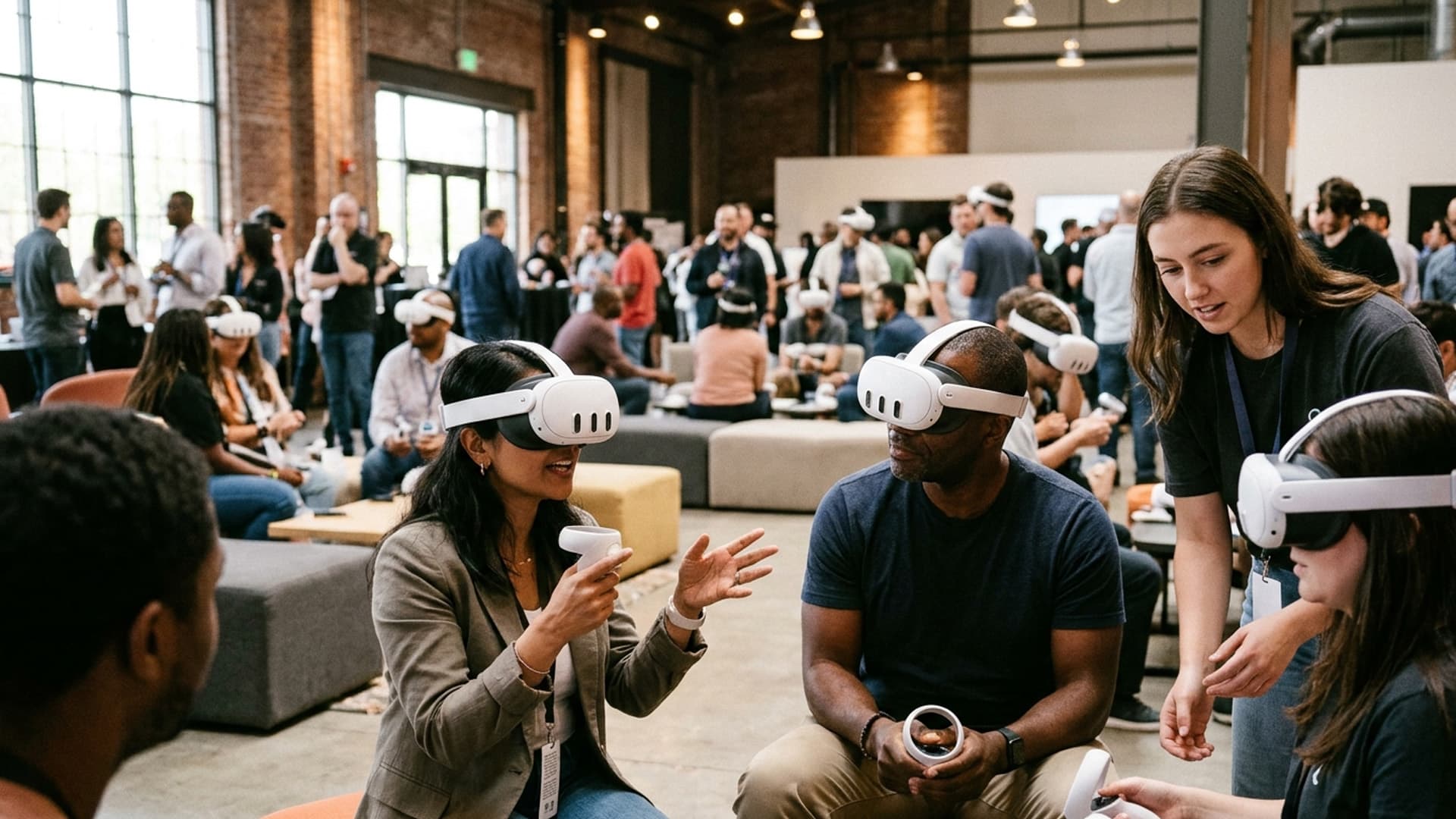
MetaXR describes its virtual reality events service as combining custom virtual spaces, live interaction, virtual booths and access through headsets, desktops and mobile devices. That mix points to a central design challenge: the event should feel like a shared gathering while remaining understandable to people using different devices.
Give the venue a job
A digital event space should be shaped by its programme. A launch may need a central presentation and a place to explore product content. A conference might use stages, networking areas and exhibitor spaces. A community gathering may prioritise informal conversation. The environment should make those activities easy to find rather than distract people with unnecessary navigation.
Plan for participation
Live Q&A, interactive booths and networking sessions need clear facilitation. Speakers should rehearse transitions and content sharing. Moderators should know how to manage questions, help attendees and respond if a participant loses connection. Set expectations for session times and explain how users move between areas.
A headset can create a more spatial experience, while desktop and mobile access may widen participation. The team should test each route and communicate any differences in functionality. Avoid assuming that all attendees can use a headset or that browser access will work identically.
Prepare operations alongside design
Registration, device compatibility, moderation, technical support and privacy are part of event production. If engagement data is collected, tell attendees what the platform records and how it will be used. Establish who can view reports and how long data is retained. Provide a way to request help without interrupting a live session.
Measure the right things
Event metrics should connect to the programme’s objectives. Participation in a session or a useful conversation may matter more than time spent in the venue. Ask attendees about the quality of navigation, access and content.
MetaXR presents virtual events as a service for shared immersive gatherings. A well-scoped event brief connects the spatial design to the agenda, access routes, staffing and follow-up, so the digital venue supports the people who use it.
The event is a social environment before it is a digital one
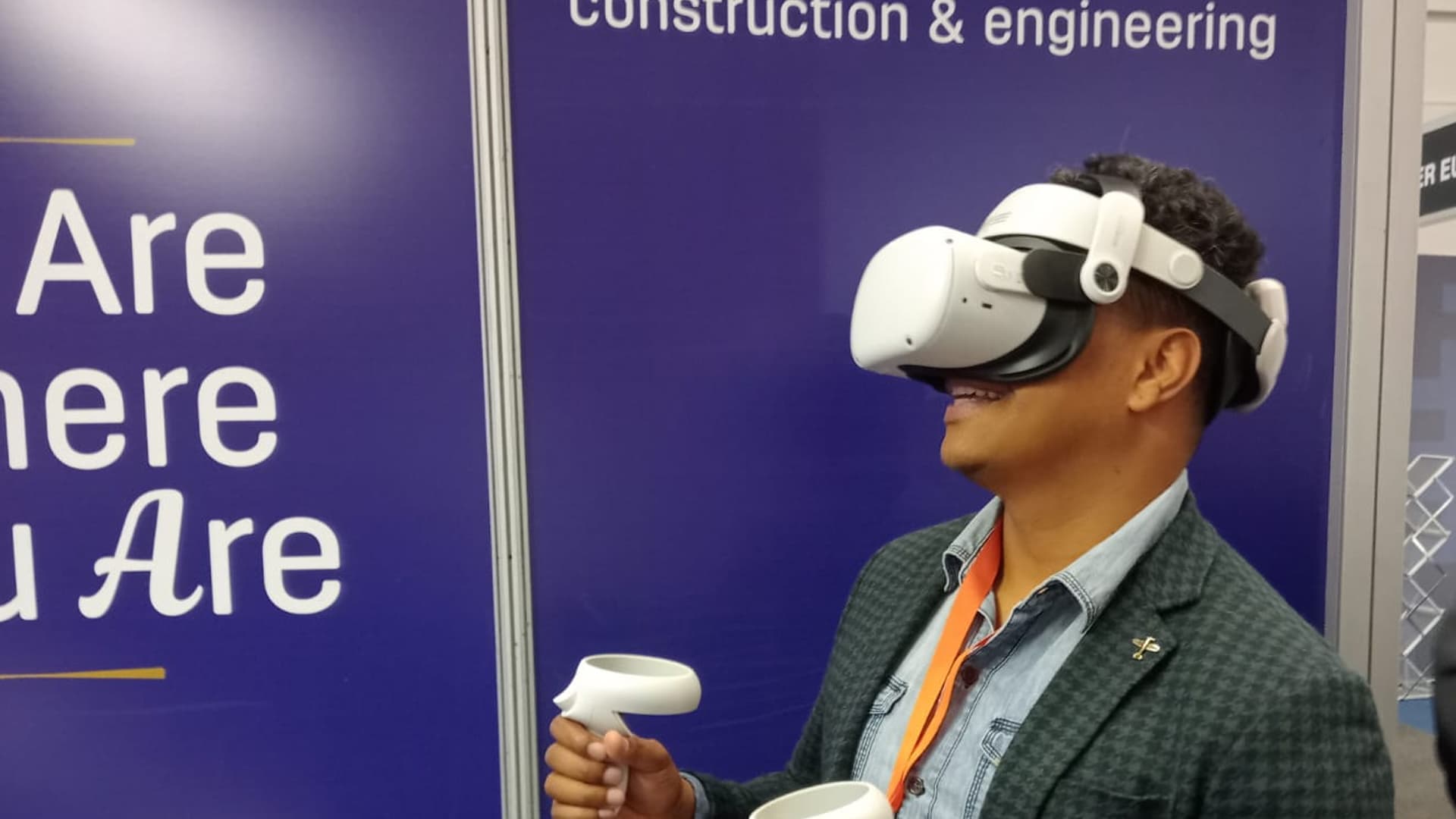
A virtual-reality activation at an event takes place inside a larger social experience. Visitors are moving between conversations, stands, presentations and practical commitments. The headset moment must make sense within that setting. It should be easy to approach, quick to understand and worth the participant's attention, while also giving people nearby a reason to notice what is happening.
VR can give attendees a shared place to explore an idea, product or story. The word "shared" does not necessarily mean that every person is inside the same virtual world at the same time. It may mean that participants take turns exploring a common environment, compare what they saw, or watch a colleague engage with a scene on a spectator screen. The social design around the headset determines whether the activation becomes a conversation or an isolated demo.
The event's purpose should shape the experience. A launch may need to make a product story memorable. A conference may use an immersive scenario to introduce a complex topic. A public activation may invite people to participate in a creative scene. Each context has different limits on time, space, staffing and audience attention. An experience that works well in a quiet studio may need a more direct opening and shorter interaction on a busy show floor.
Designing for the participant and the people watching
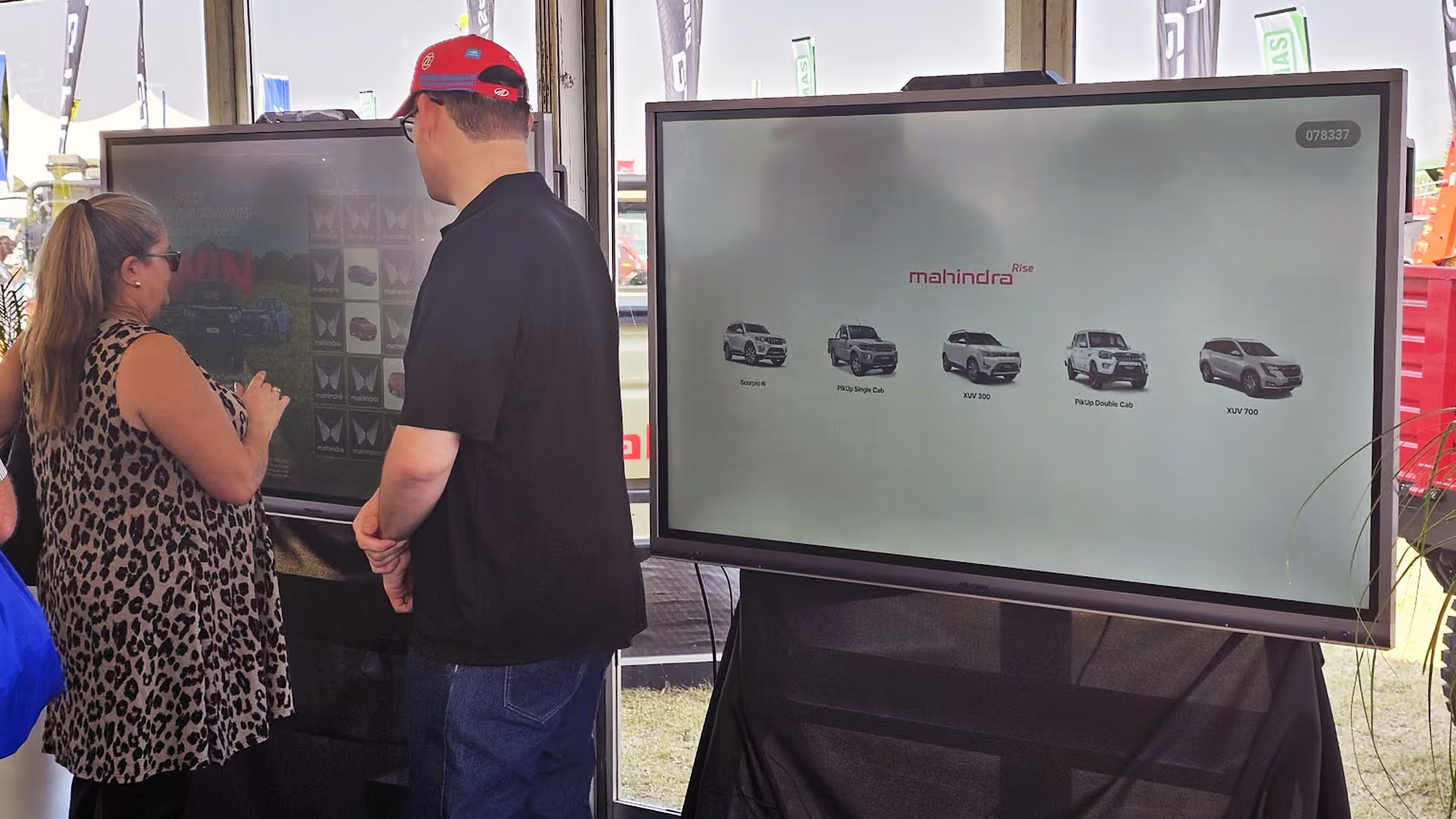
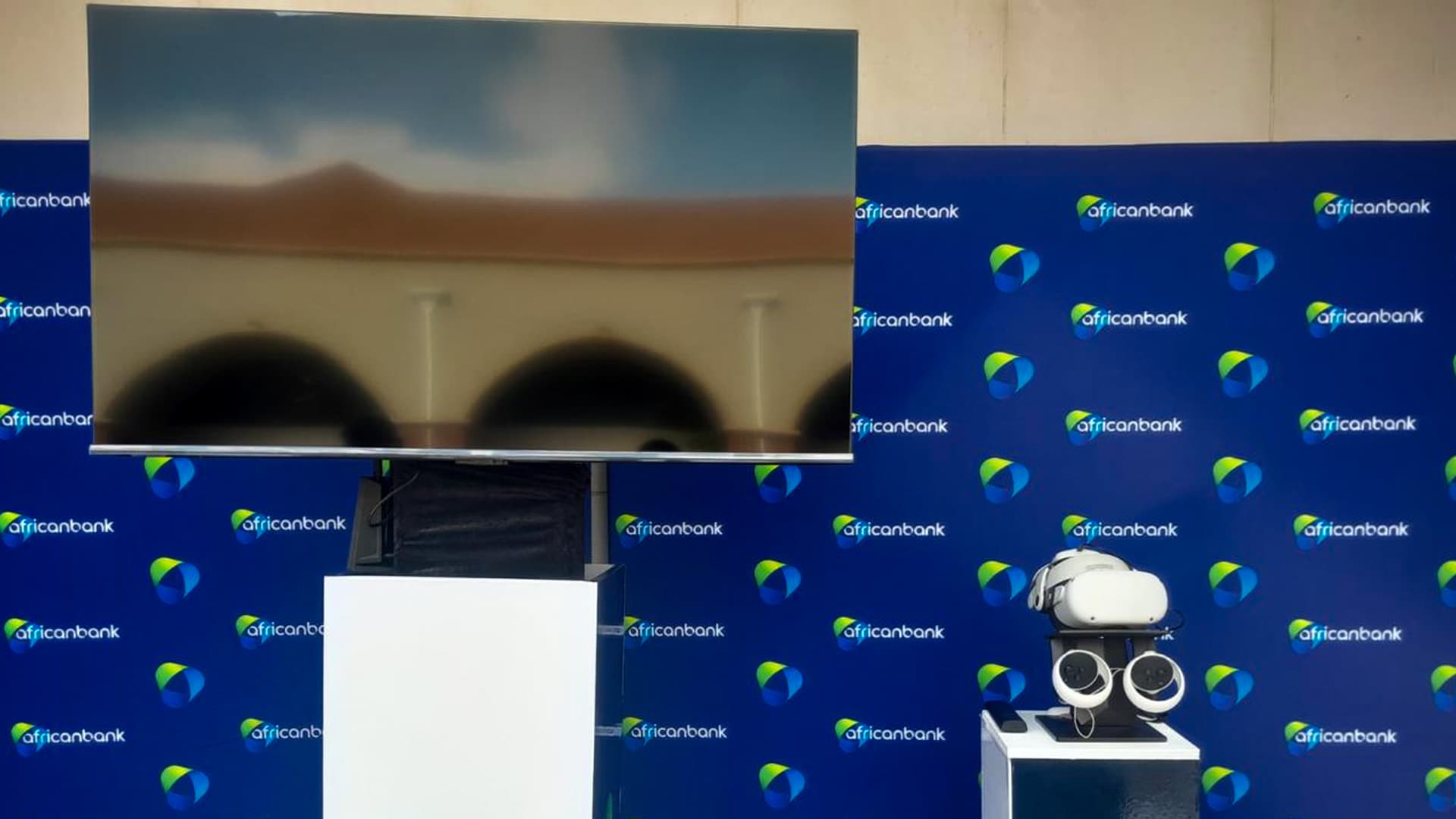
Headset users see a private view, while everyone else sees only the person wearing the device unless the event provides another window into the experience. A spectator display can show the same scene, a director's view or a simplified interpretation. This makes the activation easier to understand and gives staff a way to explain what is happening without interrupting the participant.
The spectator view should be designed, not treated as an afterthought. It needs to be visible from a comfortable distance and communicate the interaction without revealing private information. If the headset user is choosing between objects or moving through a scene, the display can make those choices legible. If it simply mirrors an unstable first-person view, observers may struggle to follow. A more stable or lightly directed camera can help, as long as it does not misrepresent the experience.
Staff can connect the participant's experience to the audience through short prompts. They might explain what the person is looking at, then ask a question when the headset comes off. The host should avoid narrating every movement or pressuring the participant to perform for the crowd. A good activation lets the visitor be curious at their own pace while still creating an opening for conversation.
The event footprint is part of the interaction
An immersive event setup needs room for more than the headset user. The space should account for an approach area, a waiting point, a safe interaction zone, equipment storage and a place for staff. Visitors need to understand where to queue and whether the activity involves standing, turning or moving. A well-defined footprint protects both comfort and event flow.
Throughput should be calculated from the complete participant cycle. If the VR scene lasts three minutes, fitting, briefing, resetting and cleaning may add several more. The total cycle time determines how many visitors can participate, not the runtime alone. If demand is higher than capacity, a spectator view, short preview or alternative activity can keep the queue engaged without promising that everyone will have an identical session.
The physical layout should be checked at the venue. Power points may be farther away than expected, wireless conditions can change, lighting may affect displays and neighbouring stands may create noise. Event organisers should confirm access times, loading rules, safety restrictions and what can be attached to walls or floors. These details influence the final design and should be settled before equipment arrives.
A short experience still needs a complete arc
An event interaction can be brief without feeling unfinished. It can have a clear invitation, a moment of discovery and a satisfying endpoint. The opening should quickly establish what the participant can do. The central interaction should focus on one or two memorable actions. The ending should let the participant understand what happened and how it connects to the event or brand.
Trying to include a full product catalogue, corporate history and several calls to action in a short VR session can make it feel rushed. A focused experience is often more effective: show one meaningful scenario and provide a route to more information outside the headset. The page or printed material can hold specifications, contact details and follow-up links, leaving the immersive moment free to communicate through presence and interaction.
Transitions need special care in a noisy environment. The participant may not hear instructions clearly, so important cues should also be visual. The interface should make it obvious when the activity has started, what the next action is and when it is complete. The experience should not rely on a facilitator shouting over the venue or on the participant guessing which controller button to press.
Reliability under live conditions
Event technology is tested in conditions that are difficult to reproduce in an office. Sessions may be continuous, staff may rotate, wireless networks may be congested and a device may be moved or adjusted repeatedly. The application needs a predictable reset path and clear recovery steps. Staff should know how to relaunch the scene, reconnect a controller and switch to a backup mode.
Testing should include a realistic run-through with the actual venue layout, headset configuration and display. Rehearsal reveals whether the queue blocks a walkway, whether the spectator screen is visible and whether the headset can be cleaned and reset on schedule. It also gives staff an opportunity to practise their explanation before the first attendee arrives.
A fallback is part of reliability. A short video, desktop version or guided demonstration can preserve the message if a headset fails. The fallback need not replicate every interaction; it should provide a coherent alternative. A team can also keep a spare device or preloaded application where the event scale justifies it. The right contingency depends on the cost of interruption and the importance of the activation.
Making the experience welcoming
Visitors should not feel that they need gaming experience to participate. The invitation can explain the activity in plain language and state its approximate duration. Staff can ask whether the person would like to try it rather than placing a headset on them without warning. A participant should be able to stop at any time and should know how to do so.
Accessibility includes the option to watch, listen, use a screen-based version or take part with assistance. Some guests may not be comfortable wearing a headset, may have motion sensitivity or may have visual, hearing or mobility needs. A spectator experience and clear event information can help more people engage with the idea even if the headset is not the right format for them.
Movement and comfort need to be matched to the venue. A stationary interaction can be easier to host in a compact stand. Seated use may support some participants, while a standing format can be more visible to observers. Neither is universally correct. The content, room and intended audience should guide the decision, and the event team should test the arrangement before opening.
Privacy and brand trust
The headset may capture movement, voice or spatial information depending on the hardware and application. The event team should understand what the experience records and explain it in an appropriate way. If recording is not necessary, it should not be enabled merely because the platform offers it. Bystanders should not be included in capture without a clear reason and suitable permission.
Branding should make the experience identifiable but should not interrupt it. A simple opening and closing can connect the activation to the organisation. Repeated logos or slogans inside every scene may weaken the sense of exploration. Product claims should remain accurate, particularly if a digital model shows a concept or future configuration that is not currently available.
Visitors may share their reaction or ask for follow-up after participating. Any collection of contact details should be separate from the experience and clearly optional. The activation should not imply that personal data is needed to use the headset unless that is genuinely the case.
Learning from the event
Useful evaluation distinguishes attention from impact. The number of participants and session completions can help with staffing and throughput. A short conversation can reveal what visitors understood, what they remembered and what questions the experience raised. Staff observations may show where people hesitated or where controls were unclear. Together, these signals can inform the next iteration.
If analytics are used, choose only measures related to the event objective. A high completion count does not necessarily mean that visitors understood the story. Time in headset can reflect a long queue or a stuck interaction. Context helps the team interpret the numbers and avoid collecting data with no clear purpose.
VR activation as event design
MetaXR creates immersive experiences and custom applications for events, campaigns and digital channels. A successful activation is planned around the attendee journey: what draws a person in, how they participate, what observers see and what happens after the headset comes off. Technology is one element in that system, alongside people, venue and content.
When those parts are designed together, a VR activation can turn a brief visit into a shared moment. Participants have enough freedom to explore, observers can follow the story and staff can connect the experience to a larger conversation. The result feels less like a device demonstration and more like an event interaction with a clear purpose.