Metaverse Development for Business: Features That Make a Shared Virtual Space Useful
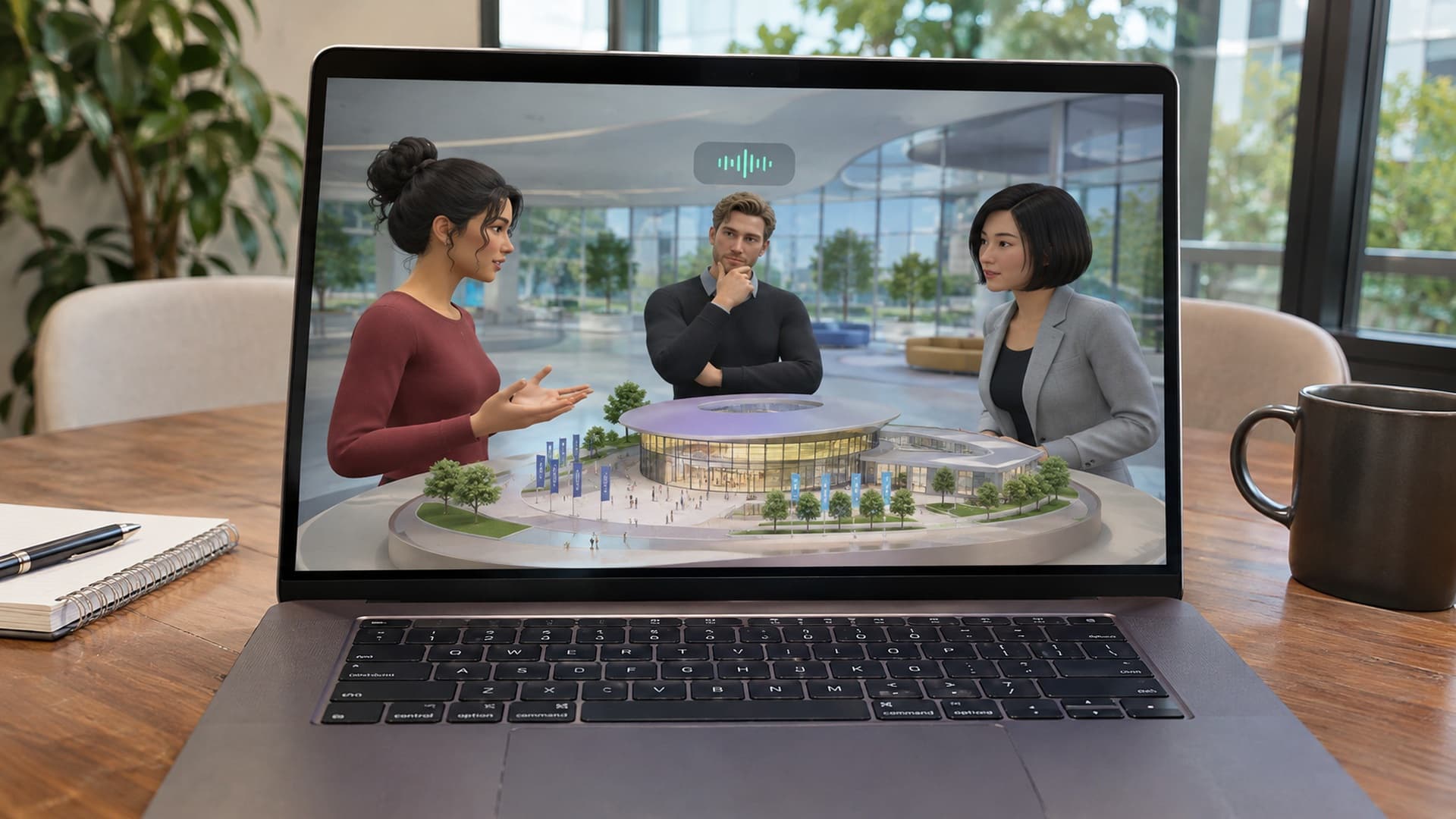
A shared virtual space can bring people into the same digital environment even when they are in different locations. A venue could use one to introduce an event space to a remote planning team. A hospitality business might invite prospective partners to explore a digital representation of a property. An organisation could hold a product presentation where participants move between displays and speak to one another.
These examples describe possibilities rather than guaranteed results. Whether a metaverse project is useful depends on the audience, the experience and the technology available to participants. A carefully chosen set of features can make it easier to explore, collaborate and act. An oversized feature list can make the same project expensive, difficult to enter and hard to maintain.
This guide looks at the features businesses should consider when commissioning a shared virtual world, and the decisions behind them.
What does a metaverse experience involve?
The word metaverse is used in different ways. It often describes persistent or shared digital environments in which people can interact with spaces, digital objects and one another. There is no single universally agreed definition or one required technology stack. The UK Information Commissioner's Office discusses that lack of consensus in its overview of immersive virtual worlds.
For a business buyer, the useful question is what the experience must do. A virtual showroom that visitors explore on their own has different requirements from a live event with hosts, audio conversations and scheduled presentations. A permanent collaboration environment also needs a plan for updating content and supporting returning users.
A metaverse platform may use three-dimensional environments, avatars, audio, interactive objects and real-time networking. Some experiences support VR headsets; others run on computers or mobile devices. Support should be confirmed for the specific project. A feature available on one platform does not automatically work on every browser or headset.
A virtual environment built around a purpose
The environment is the place in which visitors move and interact. It may represent an actual building, an imagined setting or a combination of both. Its design should help visitors understand where to go and what they can do, rather than simply providing a large space to explore.
Consider a hospitality group introducing several venues to event organisers. A shared reception area could lead to separate representations of meeting rooms, outdoor areas and accommodation. A visitor could compare spaces, access practical information and request a conversation with the team. In this example, navigation and useful information matter as much as visual detail.
The level of realism should be chosen for the task. A realistic room can help convey atmosphere and layout, but it should not be presented as a precise measurement or a substitute for a site inspection unless the underlying data and intended use support that claim. A stylised environment may work well for a creative presentation where exact physical representation is less important.
Ask what visitors should recognise when they arrive, how they will find the next activity and what happens if they get lost. Signposting, a simple starting area and the ability to return to a known point are often more useful than adding another decorative room.
Avatars and a sense of presence
Avatars give participants a visible representation in a shared environment. Depending on the platform, they may be simple characters, configurable figures or more detailed representations. Their role is practical: they help people see who is present, locate a host and recognise when another participant is nearby.
The level of personalisation should match the audience and the project. For a short public presentation, entering a name and choosing from a small selection of avatars may be sufficient. A longer-running community might benefit from more options, provided those options are accessible and manageable.
Identity choices also affect privacy. A participant may not want their real name displayed publicly, while a private business meeting may require the host to know who has joined. Establish what information is necessary, who can see it and whether guests can participate without creating an unnecessary profile.
Avatar movement should be tested across devices. A headset user and a desktop user may have different ways to look around, gesture and navigate. The experience should still make sense when a participant has fewer tracking features or chooses not to use them. Do not make a critical interaction depend on a gesture that some visitors cannot perform.
Communication and collaboration
Shared spaces become more useful when people can communicate. Voice chat may allow a host to welcome visitors, answer questions and guide a discussion. Text chat, captions where supported, and other communication options can help participants who cannot or do not want to use a microphone.
The communication design should reflect the situation. A presentation to a large audience needs controls different from a small conversation between a venue representative and an event planner. Hosts may need to mute participants, manage questions, move people into smaller groups or remove disruptive users. Those capabilities should be tested before an event, not assumed from a product description.
Audio behaviour matters too. In some experiences, sound changes with distance to make separate conversations possible. In others, all participants hear the same speaker. Both approaches have uses, but the intended effect depends on device support, network quality and the way the environment is built.
Collaboration features might include shared objects, presentation surfaces, pointers or a way to review a model together. Choose them for a defined task. A shared room with a model of a proposed venue layout may be valuable if participants can discuss sightlines and identify questions. A collection of unrelated interactive objects can distract from the decision the group came to make.
Interaction with content and objects
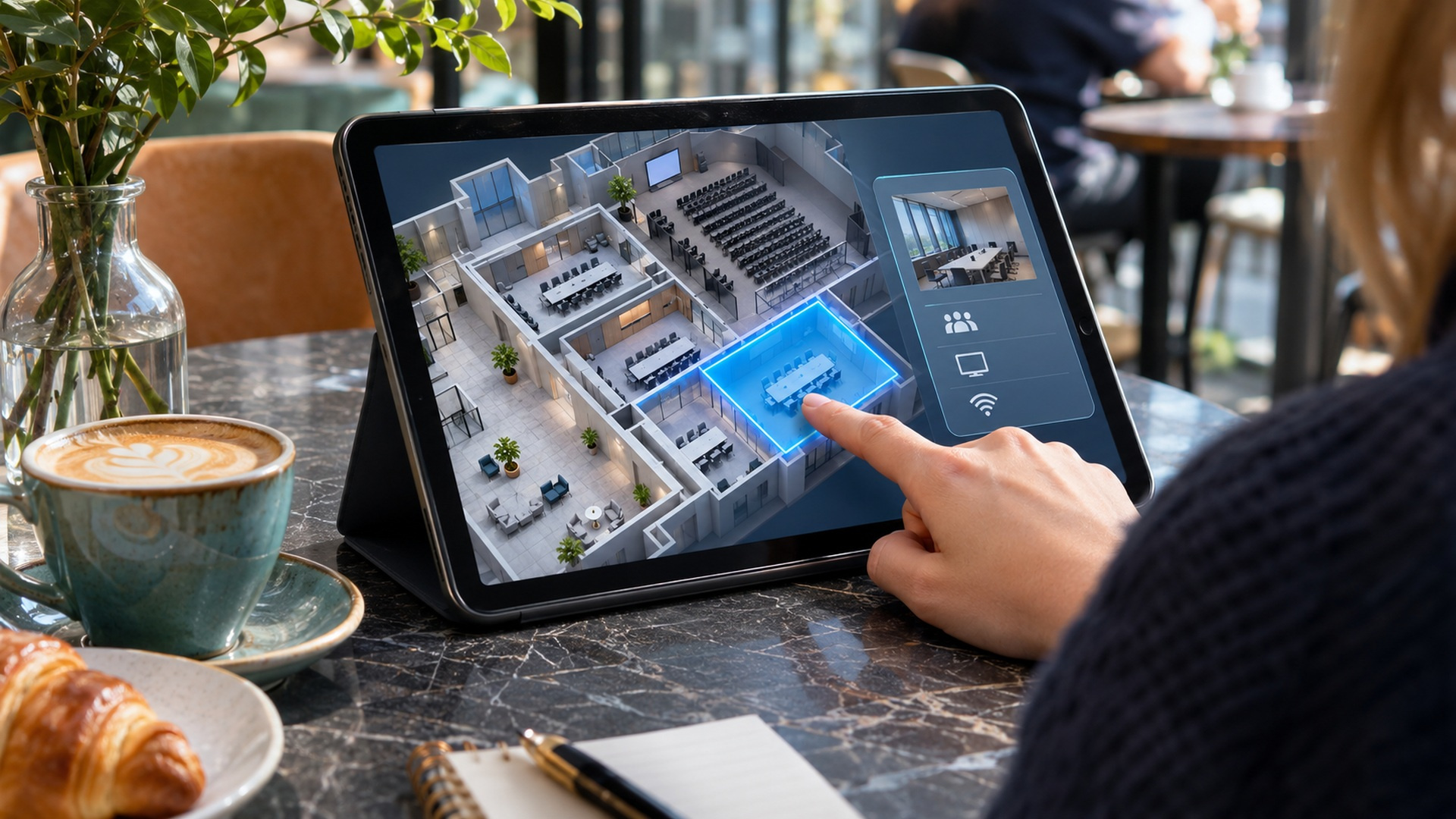
Interaction is what distinguishes an explorable digital space from a static image. A visitor might select a room to see its capacity, open a product information panel or move to another area. A host might change a presentation slide or demonstrate different configurations of a space.
The design should make these actions discoverable. Use consistent visual cues and short instructions, and provide feedback when someone selects an object. If a button takes time to load content, the visitor needs to know that something is happening. Avoid requiring users to learn a complex control system before they can complete a simple task.
Not every object needs to be interactive. The most effective choices usually support a visitor's next question: What is this space used for? How many people can it accommodate? How do I arrange a viewing? Too many panels and animations can make the environment feel busy and obscure those answers.
It is also useful to decide what happens after the interaction. An enquiry button could open a suitable contact form or direct the visitor to a member of the team. A brochure download might need to remain accessible outside the virtual world. The virtual experience should connect to the business process that follows it.
Access across headsets, computers and mobile devices
Cross-platform access can broaden participation, but it requires design and testing. A scene that runs smoothly on a powerful computer may need simpler assets or different settings on a mobile device. Controls, available browser features and network conditions can also vary.
The WebXR Device API is one web standard that provides interfaces for supported VR and AR devices. Its existence does not mean every browser, operating system or device supports every immersive feature. Ask a provider for a specific list of supported combinations and test those that matter to your audience.
A practical brief identifies the devices visitors are likely to use and which tasks must work on each. If most event planners will join from office computers, a desktop experience should be treated as a core journey rather than an afterthought. If a VR headset is optional, visitors without one still need a meaningful way to participate.
Accessibility should be considered alongside device compatibility. Alternatives may include keyboard controls, readable text, captions, adjustable settings or a conventional web page containing essential information. The appropriate combination depends on the experience and should be assessed with users who have different needs. A VR walkthrough should not be the only route to critical booking details.
Live events and ongoing availability
A virtual world can be designed for a specific event, made available over a longer period, or both. Each model changes the operational requirements. A one-day launch needs a clear schedule, rehearsals and support during peak attendance. An ongoing environment needs someone to review content, maintain links and decide how long it remains available.
For a live event, agree on the expected attendance and how the platform handles capacity. Ask whether visitors share a single instance, whether separate rooms or copies of the environment are created, and how hosts move between groups. Test invitations, entry, audio and the experience of late arrivals.
A contingency plan is equally useful. If someone cannot enter the environment, can they join a conventional video call or access a recording and information afterwards? If a presenter's connection fails, who takes over? A virtual event is still an event, and the quality of preparation affects the visitor's experience.
For an always-available showroom, determine whether it is self-guided or staffed at certain times. Remove outdated information promptly, check that enquiry links still work and review whether visitors can find their way without a host. Persistence has value only when the space remains relevant and usable.
Privacy, safety and moderation
Immersive experiences can involve accounts, communication, behavioural data and device information. Some devices and applications may also process sensitive information about movement or surroundings. The UK ICO identifies privacy and data protection challenges in its research into immersive environments; organisations should assess the actual data their chosen system collects and uses.
Ask who operates each part of the experience, what information is collected, where it is stored, who can access it and how long it is retained. Review the provider's terms and make the information understandable to participants. In South Africa, organisations should consider applicable POPIA requirements and obtain advice suited to their circumstances.
Safety includes the social environment. Public spaces may need reporting tools, moderation and rules for acceptable behaviour. Private events still benefit from a clear host role and a way to remove an unwanted participant. Decide whether interactions are recorded, explain any recording to attendees and understand the settings before the session starts.
For VR users, offer clear instructions about physical space and comfort, and allow participants to pause or leave. Not every visitor can use a headset comfortably. A desktop alternative and a straightforward route to the same essential information can make participation more inclusive.
Measuring value and planning the next version
A metaverse project should have a purpose that can be reviewed. For a venue presentation, useful indicators might include the number of qualified enquiries, questions asked during guided sessions and feedback on whether visitors understood the available spaces. For a training environment, the organisation might assess completion and learning outcomes using a suitable evaluation method.
Metrics need context. A long visit does not necessarily mean a visitor found the experience useful; it may indicate confusion. A high number of entries does not prove that an event generated business. Combine appropriate analytics with feedback, observation and the business's existing enquiry process.
Start with a manageable scope. A pilot might include one well-designed environment, a small number of useful interactions and support for the devices most important to the audience. Test it with representative users, identify the points where they need help and decide what to improve before adding more rooms or features.
Agree on ownership at the same time. Who supplies updated information? Who manages user access? Who pays for hosting and support? What happens to the assets if the project ends or moves to another platform? Answers to these questions help a business compare proposals on more than visual appeal.
Choosing features that support the experience
A compelling shared world begins with the people it is meant to serve. Avatars, live audio, interactive displays and headset access can all contribute, but only when they help participants accomplish something meaningful. The best combination depends on the audience, budget, access needs and the level of support available after launch.
MetaXR's metaverse development service offers a starting point for discussing a shared virtual environment, its intended audience and the features your project needs.